SmartStamp - Mobile

Mobile fingerprinting and provenance for physical art

The SmartStamp mobile app gives galleries and collectors a way to register, verify, and transfer artworks with cryptographic certainty. A scan session captures up to nine micro-detail surface readings and combines them into a tamper-evident fingerprint tied to the physical piece. No certificate alone can replicate that.

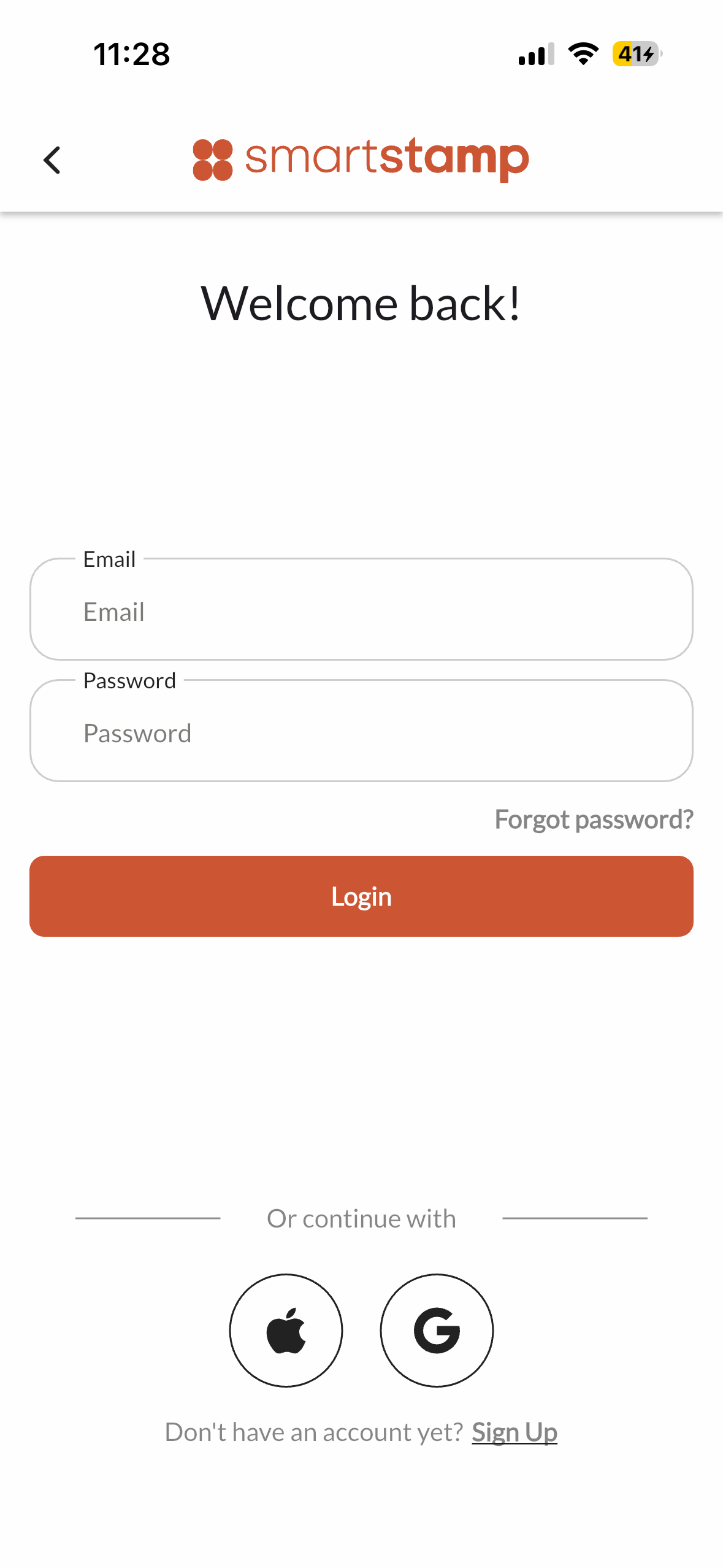
01-login.png
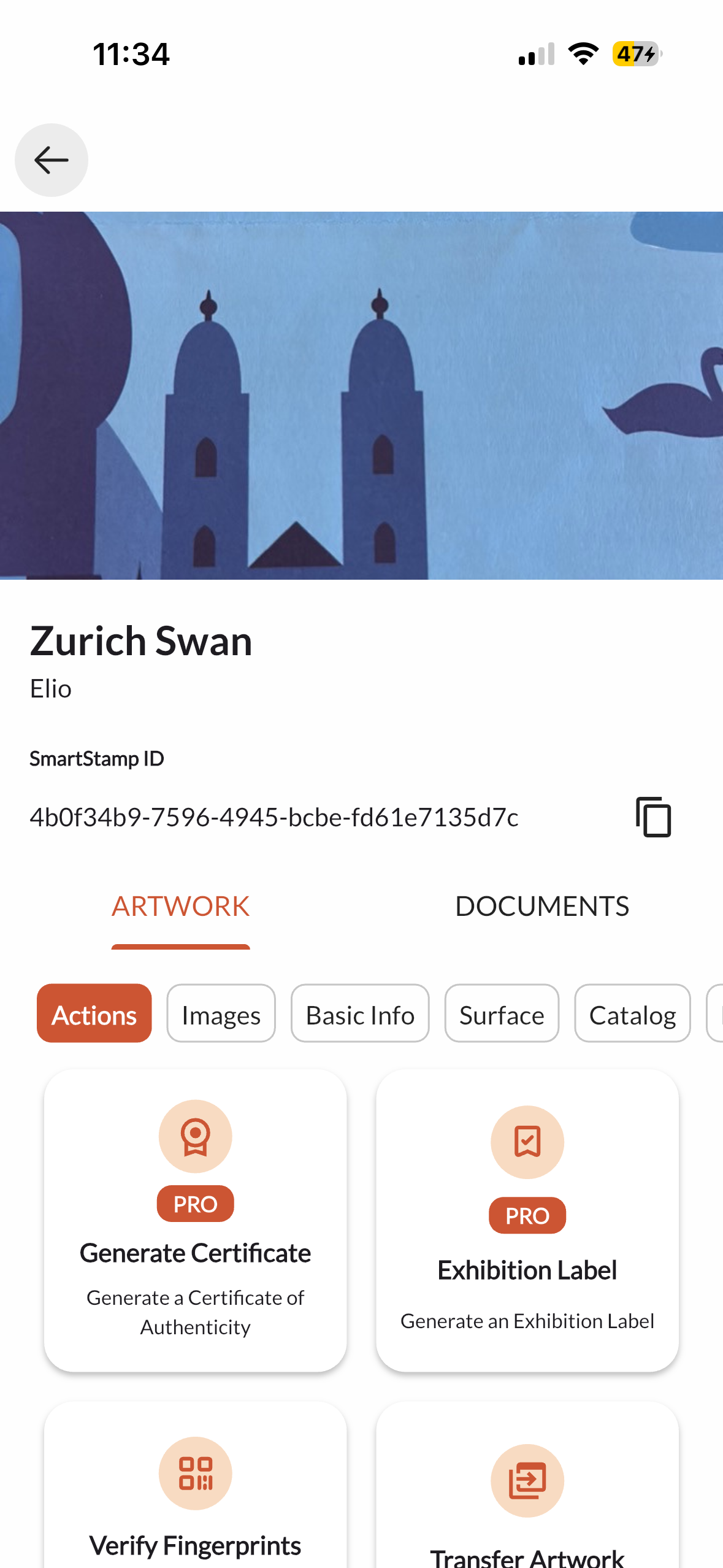
06-passport.png
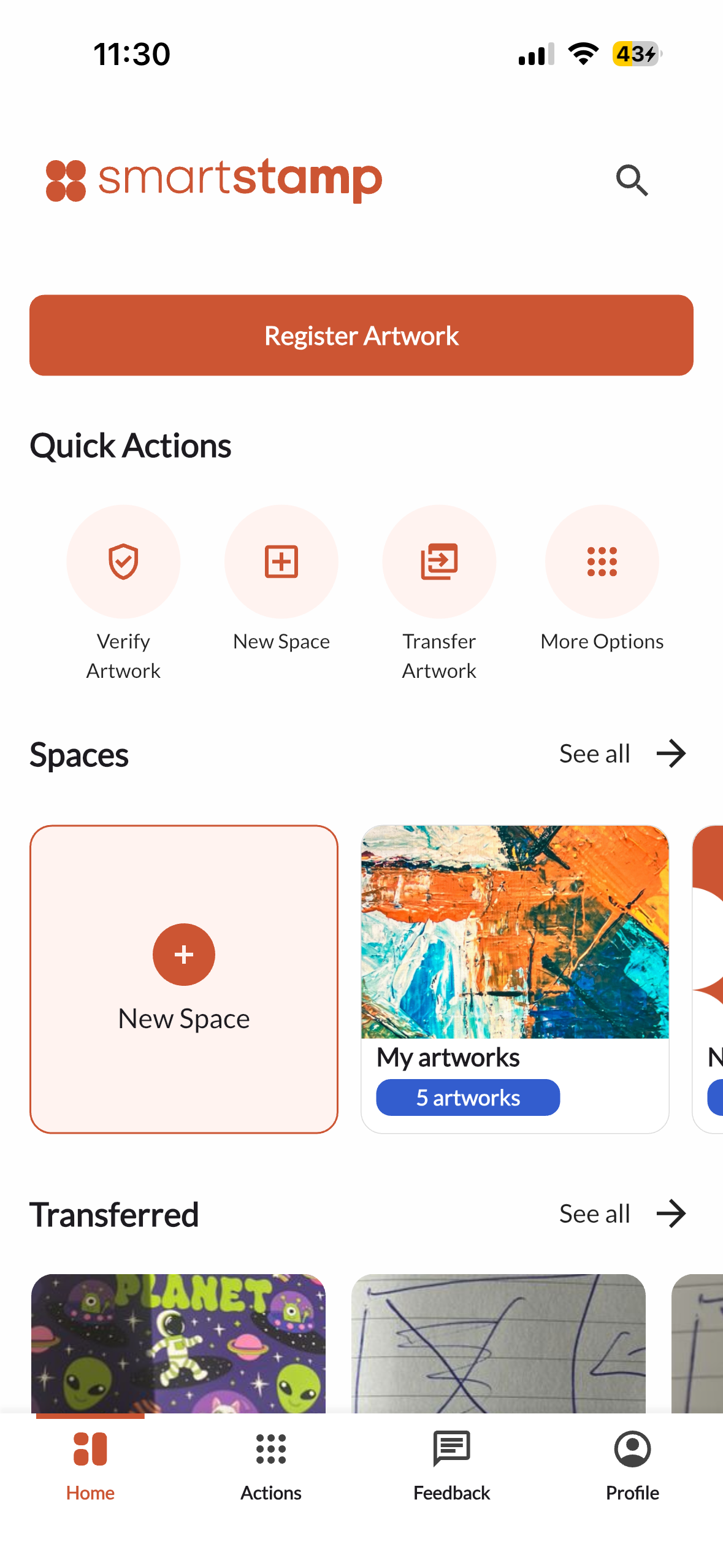
02-home.png

What the app does

The SmartStamp mobile app handles the physical side of artwork authentication. It walks the user through capturing surface scans, registers a fingerprint on the blockchain-backed backend, and produces a digital passport that travels with the work. When a piece changes hands, the transfer is confirmed by both parties in the app and the ownership record updates in real time — visible immediately in the web dashboard used by gallery staff.

A physical artwork gets a cryptographic identity

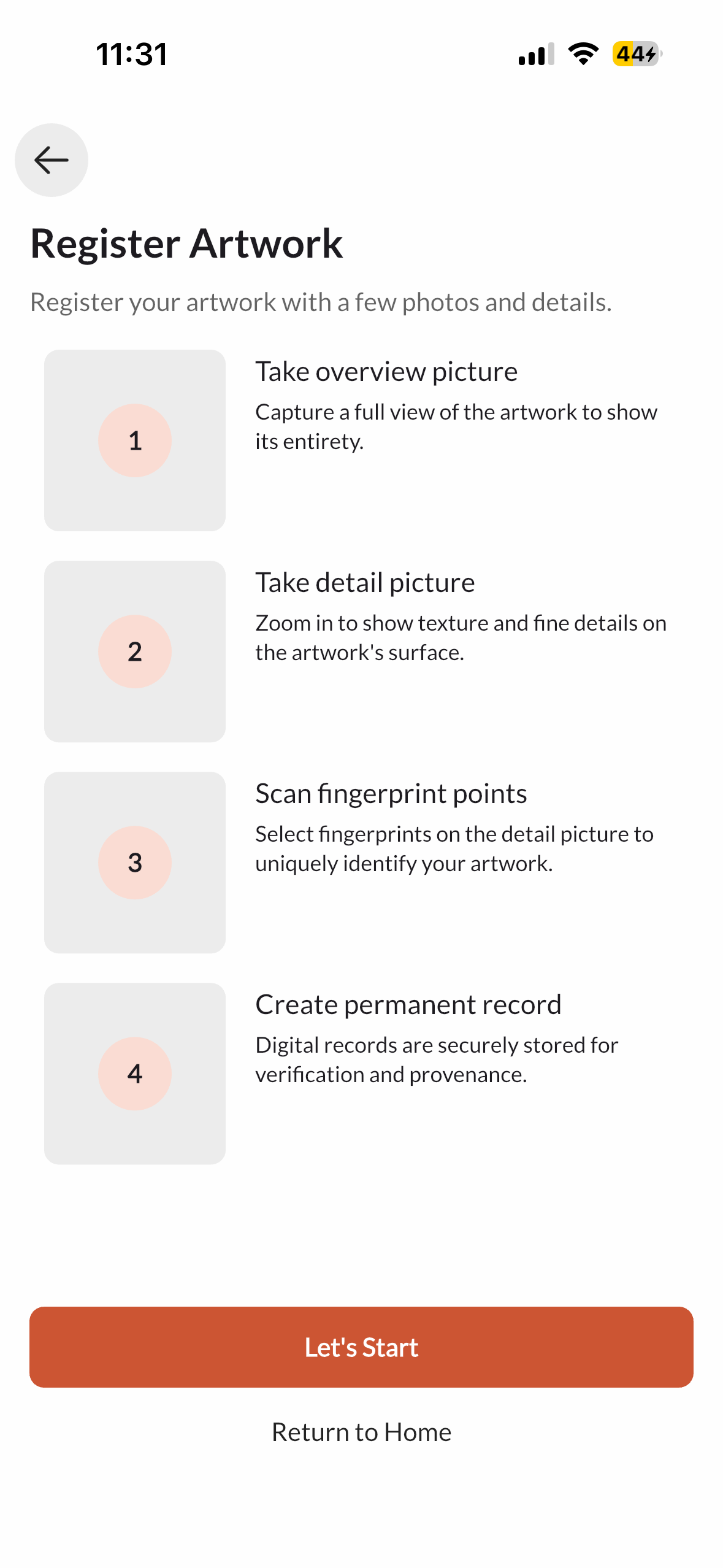
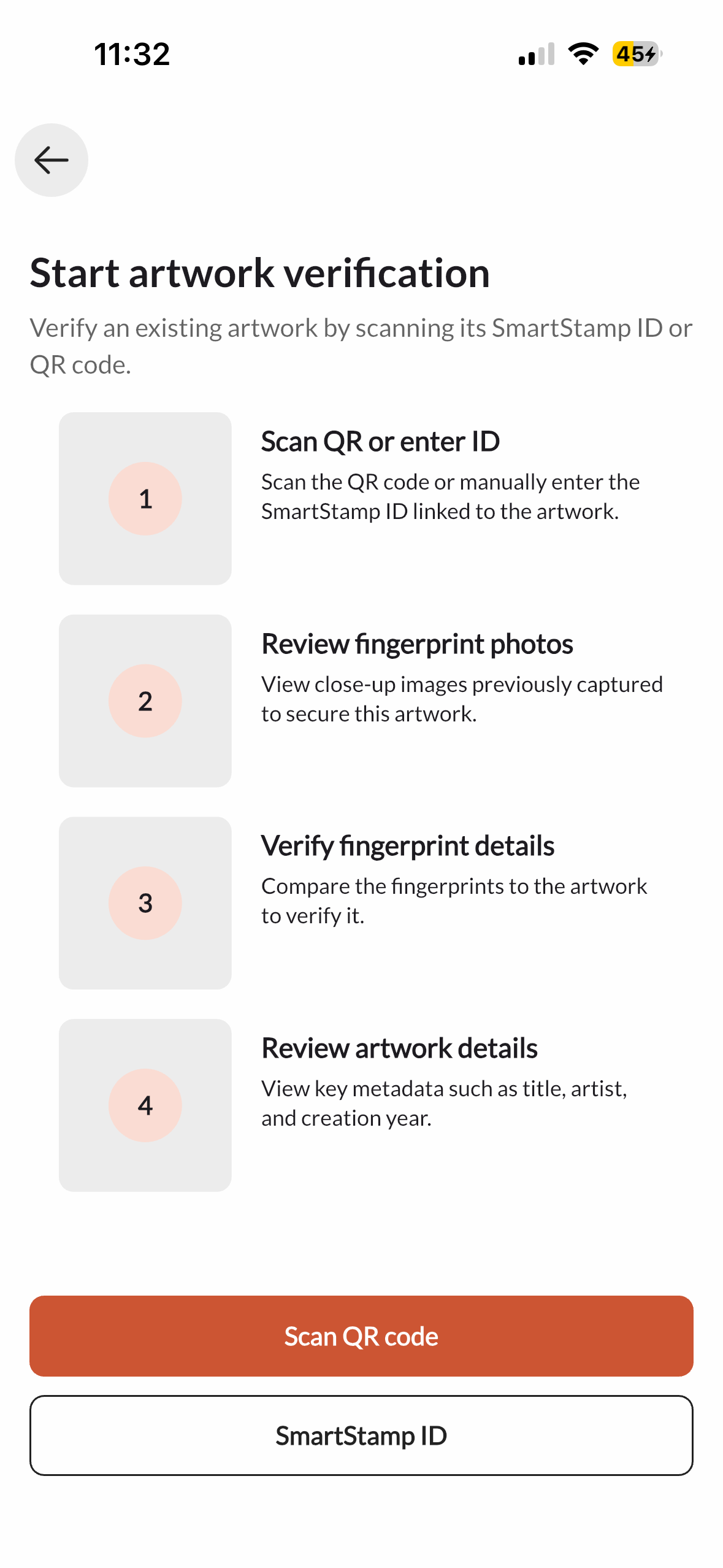
Registering an artwork takes the user through four steps: a full overview photo, a close-up detail shot, selection of fingerprint points on the surface, and final submission to create a permanent record. Each fingerprint is a unique hash tied to the specific physical piece, not to a document or certificate that can be copied. The same flow works in reverse for verification: scan a QR code or enter a SmartStamp ID, compare the surface images, and confirm ownership details in seconds.

03-scan-start.png
04-scan-progress.png
05-scan-complete.png

Every artwork carries its full history

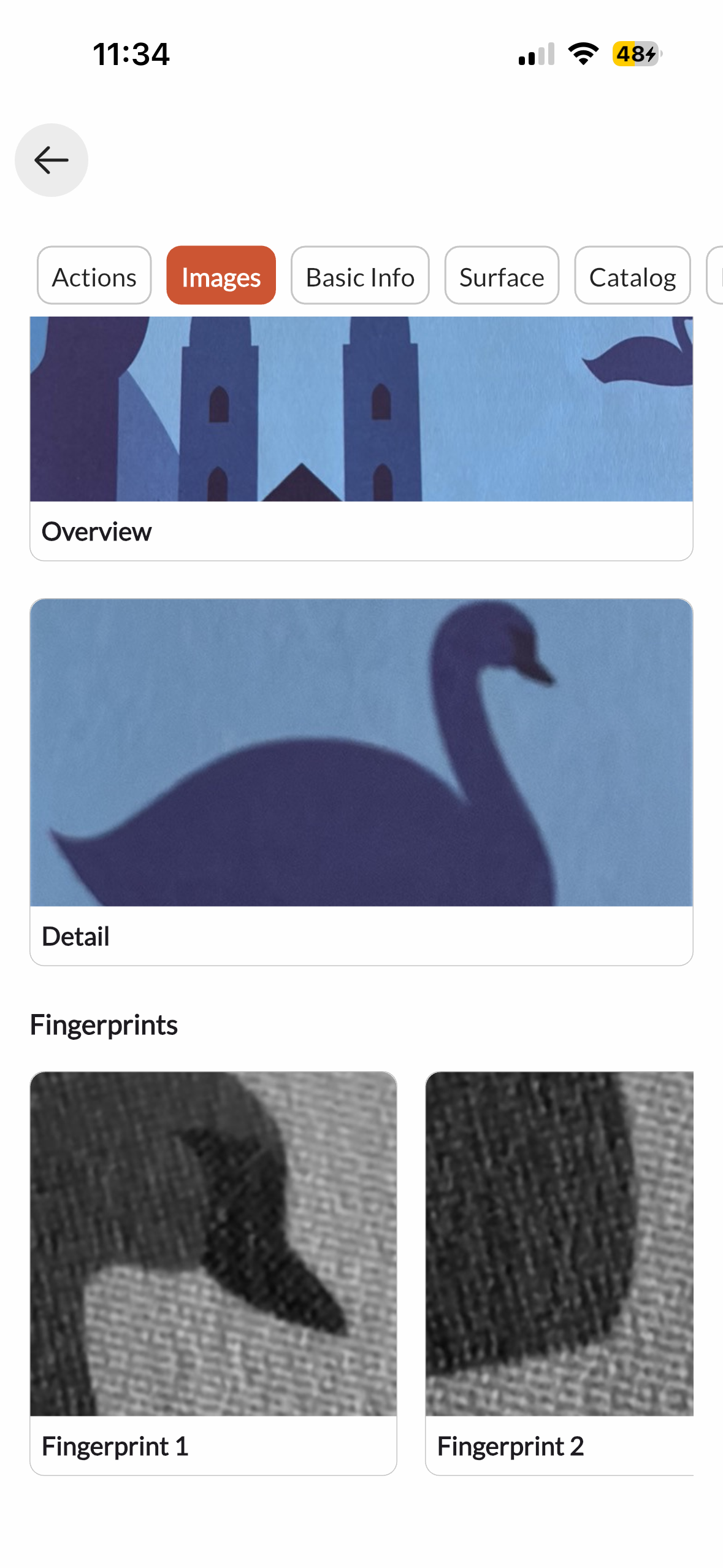
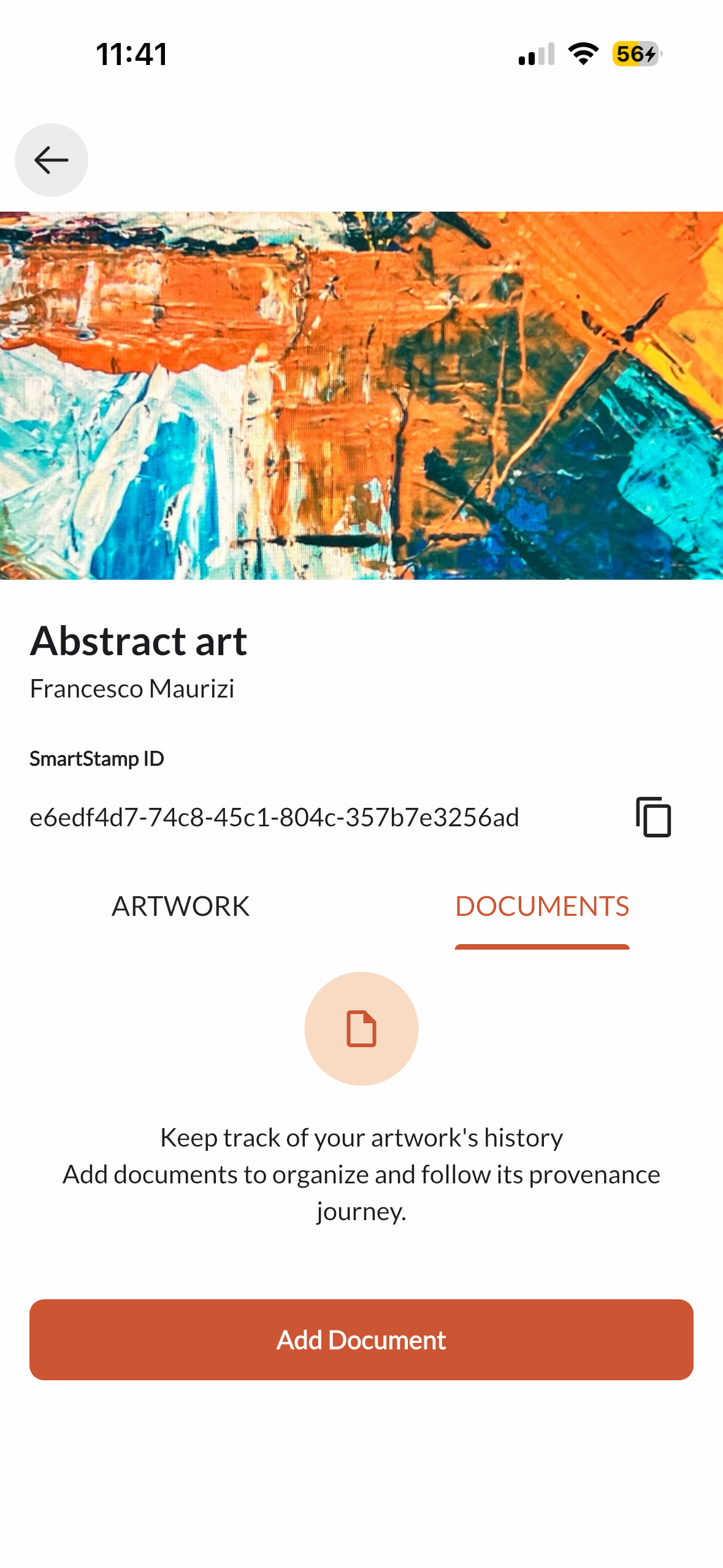
The artwork detail view combines everything in one place: the SmartStamp ID, ownership record, surface images, and any attached documents. The Images tab shows the overview photo, the close-up detail, and the individual fingerprint captures side by side, so any party can visually verify the work against the registered record without specialist equipment.

06-passport.png
07-passport-scans.png

Moving artworks between collectors and galleries

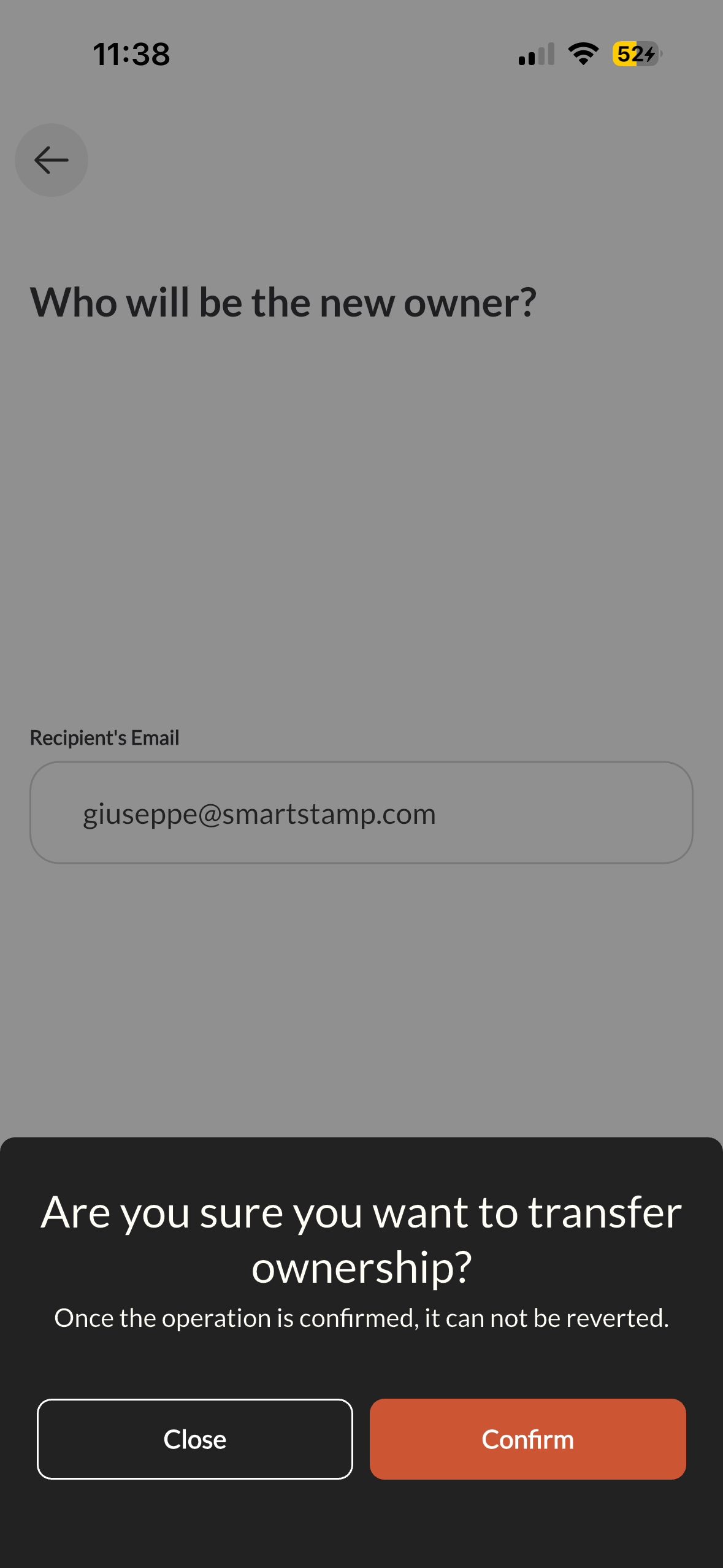
When a work changes hands, the transferring party enters the recipient's email and confirms. A final warning makes clear the action is permanent and irreversible. Once confirmed, the passport updates instantly and both parties receive a Postmark email with the transfer record. The complete prior ownership history is preserved in the chain.

08-transfer.png

Certificates and reports generated and stored in-app

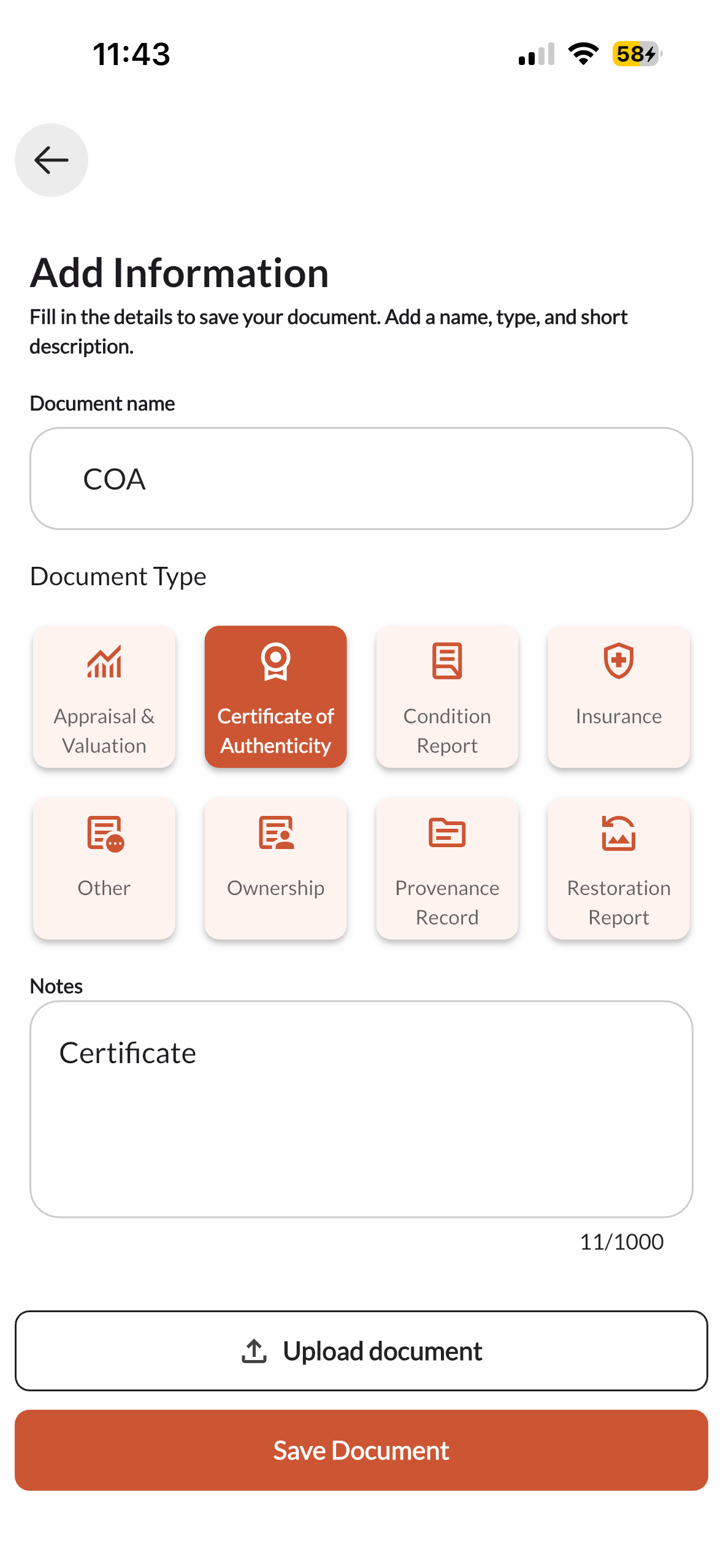
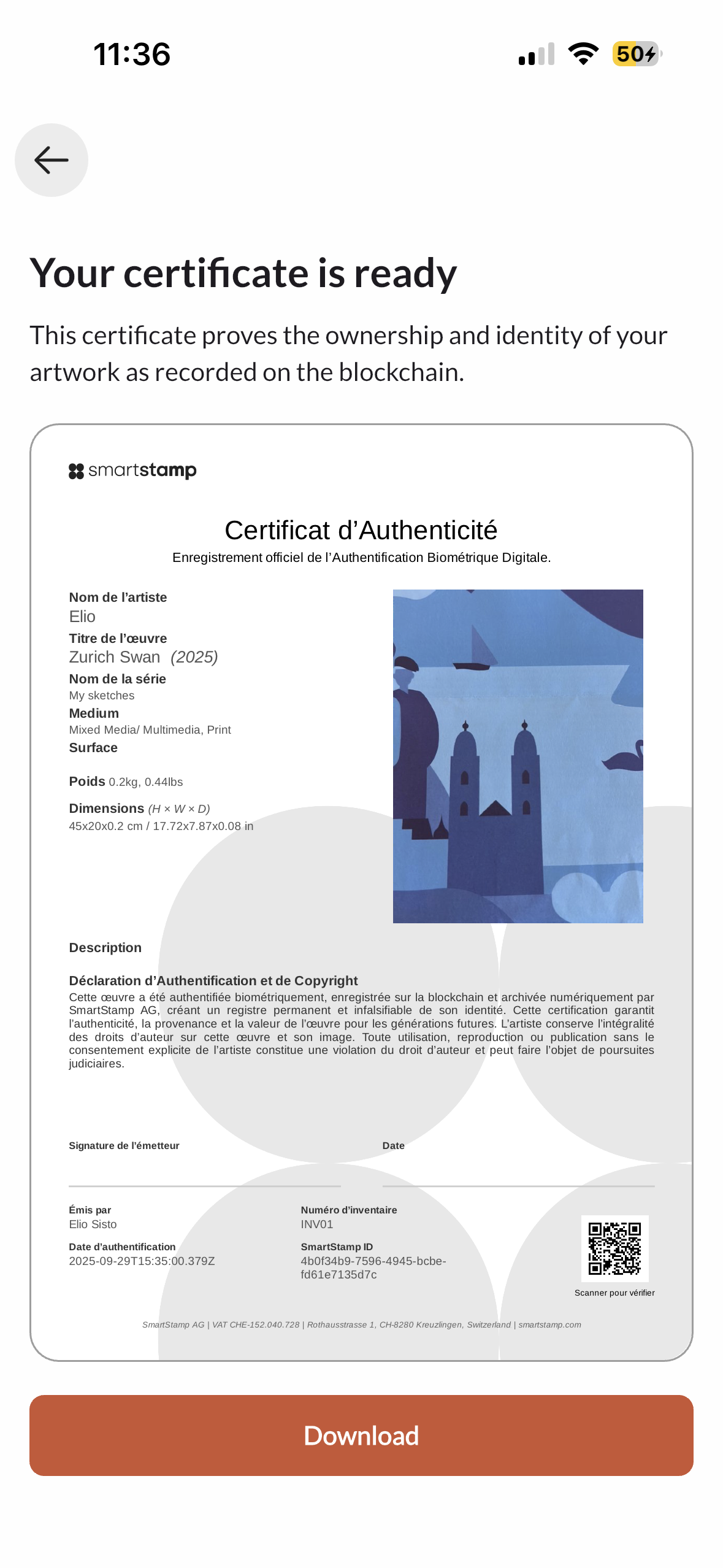
Eight document types are supported: Certificate of Authenticity, Condition Report, Appraisal, Insurance, Ownership, Provenance Record, Restoration Report, and Other. Documents are attached to a specific artwork and stored in Firebase Storage. The Certificate of Authenticity is generated automatically from artwork metadata and is ready to download as a PDF, with no gallery software or external service required.

11-doc-generate.png
10-doc-storage.png
12-certificate.png

The collection at a glance

The home screen gives quick access to the four main actions: verify an artwork, create a new space, transfer ownership, or access more options. Spaces group artworks by collection or location, and the Transferred section tracks recent ownership changes. All data syncs from Firestore in real time, so gallery staff and collectors always see the same state.

02-home.png

All Screens

01-login.png
Onboarding Sign In
02-home.png
Dashboard Dashboard
03-scan-start.png
Fingerprinting Register Artwork
04-scan-progress.png
Fingerprinting Artwork Verification
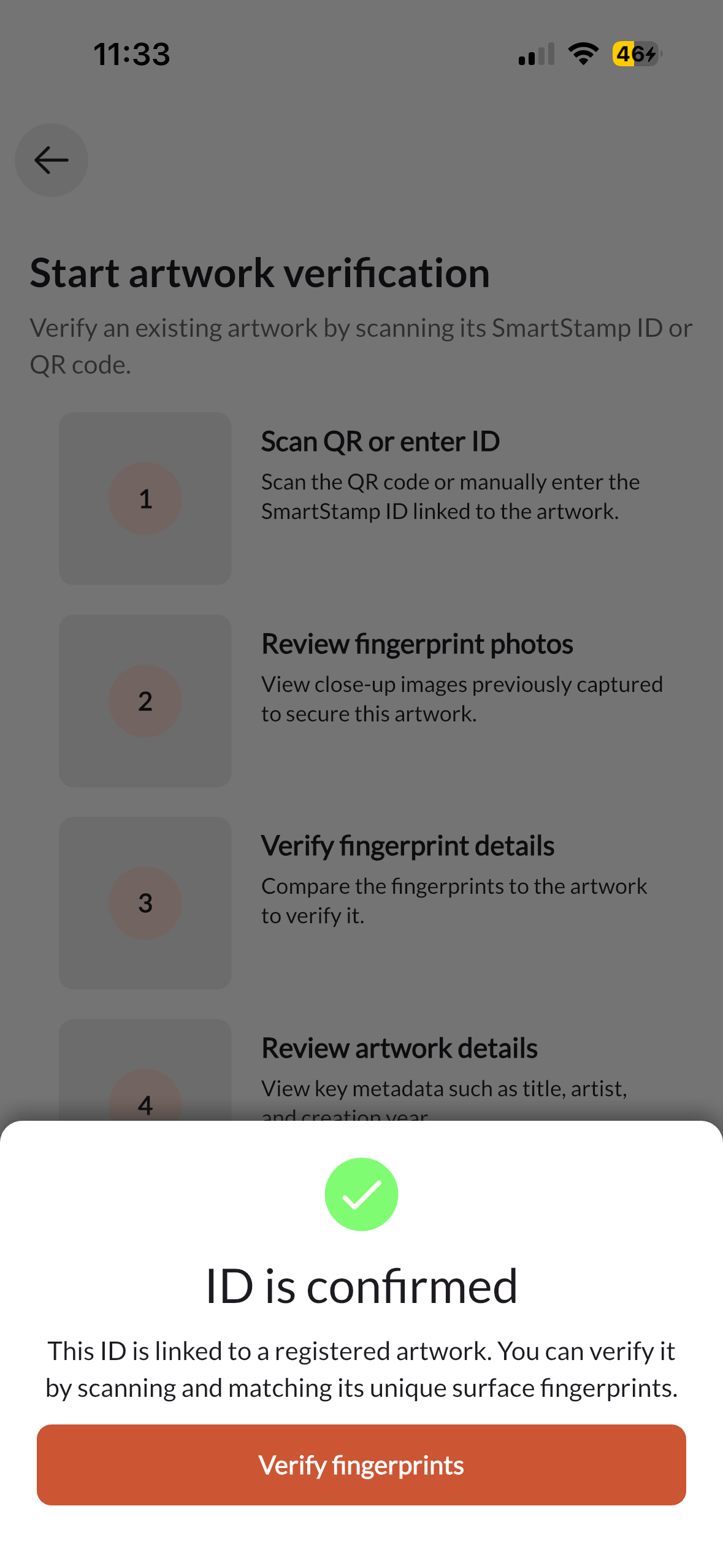
05-scan-complete.png
Fingerprinting ID Confirmed
06-passport.png
Digital Passport Artwork Detail
07-passport-scans.png
Digital Passport Surface Images
08-transfer.png
Transfer Transfer Ownership
10-doc-storage.png
Documents Document Library
11-doc-generate.png
Documents Add Document
12-certificate.png
Documents Certificate Ready

Architecture

How it is built

A single Flutter codebase targets iOS and Android from one source. Firebase handles real-time sync, authentication, and file storage. PostHog tracks product behaviour. Postmark delivers transactional email for ownership transfers and document sharing.

Flutter, single codebase
One Dart codebase ships to both iOS and Android. The UI layer is entirely custom with no third-party component libraries, giving full control over the interaction and visual design of each fingerprinting flow.
Firebase, real-time sync
Firestore keeps the mobile app and the web dashboard in sync with no polling. Auth, storage, and functions all live under the same project, eliminating infrastructure coordination between platforms.
PostHog and Postmark
PostHog captures funnel data and feature usage without sending data to third-party ad networks. Postmark handles time-sensitive transactional email: transfer confirmations, document delivery, and status updates.
LayerTechnology
UI FrameworkFlutter 3 / Dart
State ManagementRiverpod
AuthenticationFirebase Auth + Apple Sign-In
DatabaseCloud Firestore
File StorageFirebase Storage
Backend FunctionsFirebase Cloud Functions (Node.js)
AnalyticsPostHog
Transactional EmailPostmark
PlatformsiOS 16+ / Android 12+