SmartStamp Web
Collection management and provenance tracking for art galleries
Collection management and provenance tracking for art galleries
What it does
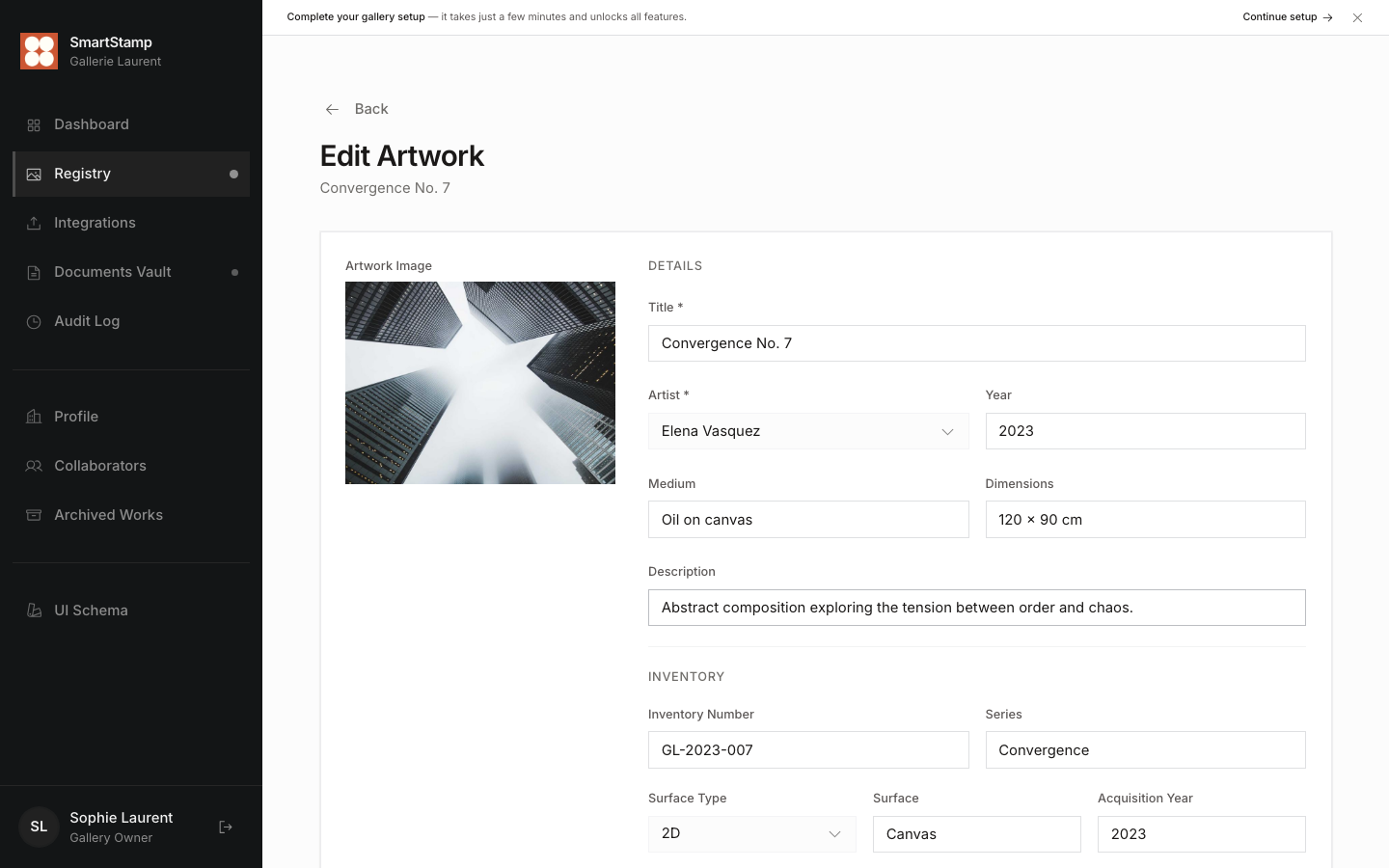
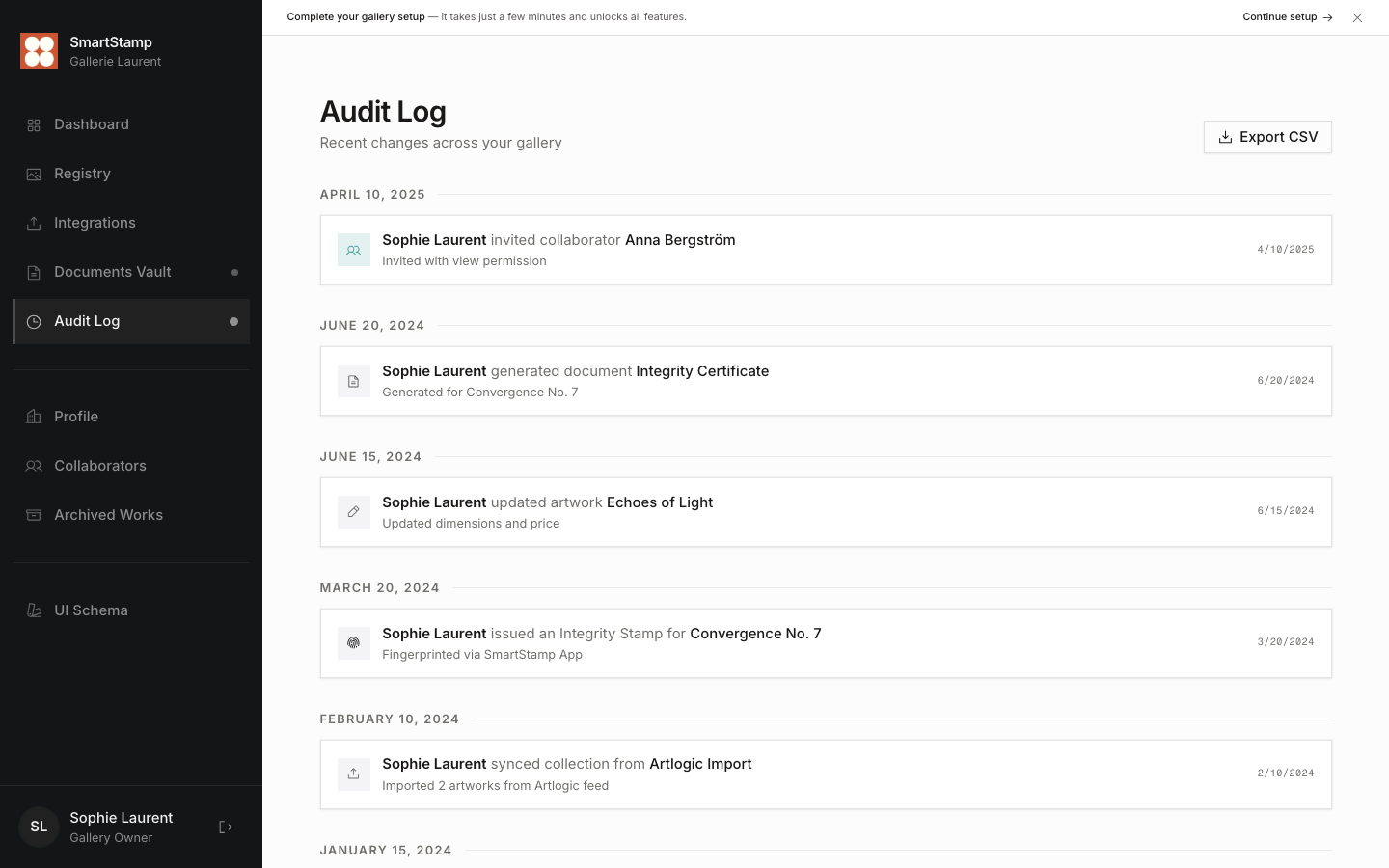
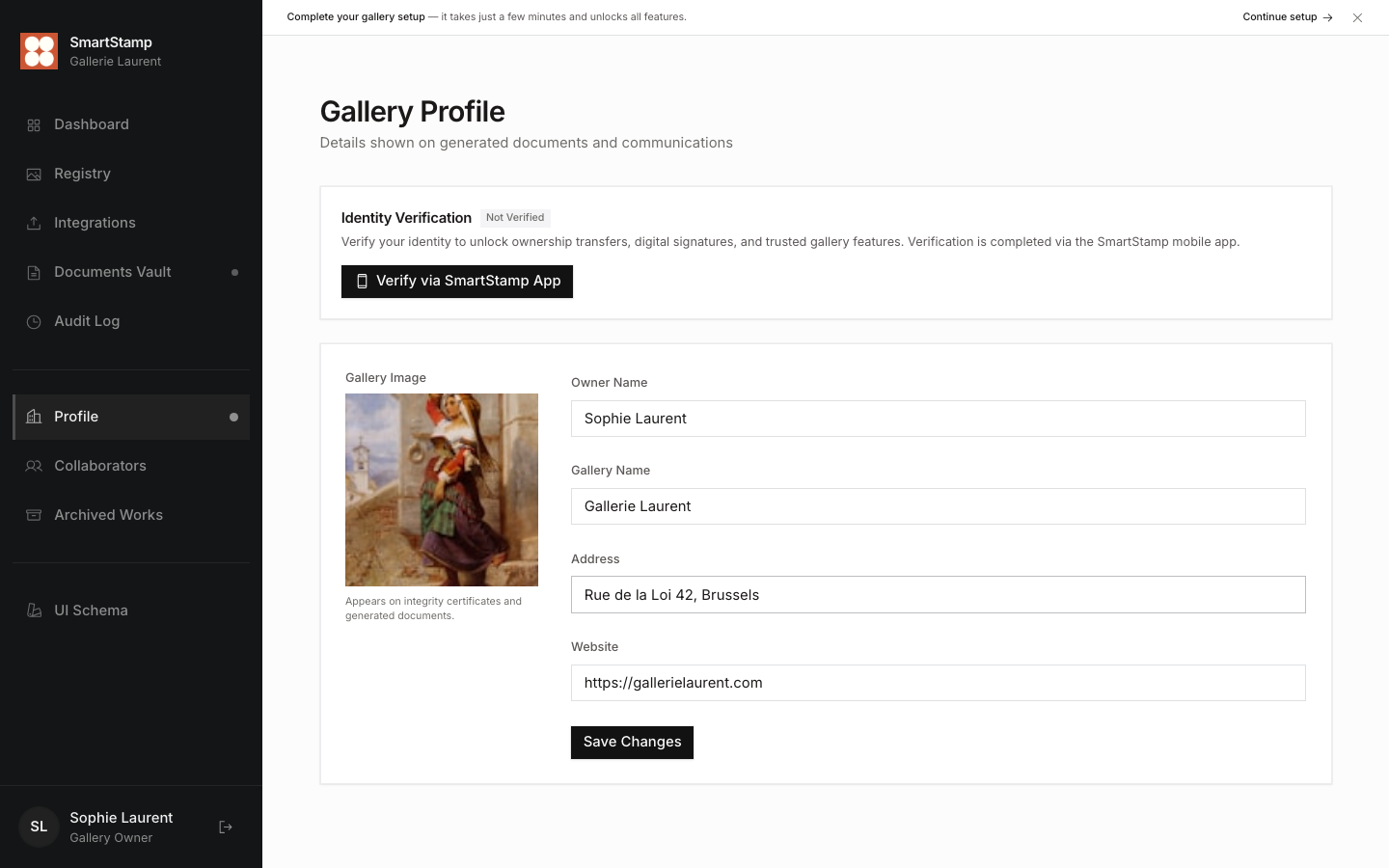
SmartStamp is a collection management tool for art galleries that adds a provenance and verification layer on top of their existing processes. Most gallery tools stop at inventory. SmartStamp goes further: the mobile app scans each physical work up close, capturing its surface texture as a digital fingerprint tied to the object itself. The web app handles everything from there: building the ownership history, generating and signing documents, and pulling in collection data from Artlogic, CSV files, or the mobile app directly. I built the full frontend from scratch: 29 routes, 40+ components, and a service layer where every data dependency is injected via typed interfaces, keeping the UI completely decoupled from the backend.
Fingerprinting
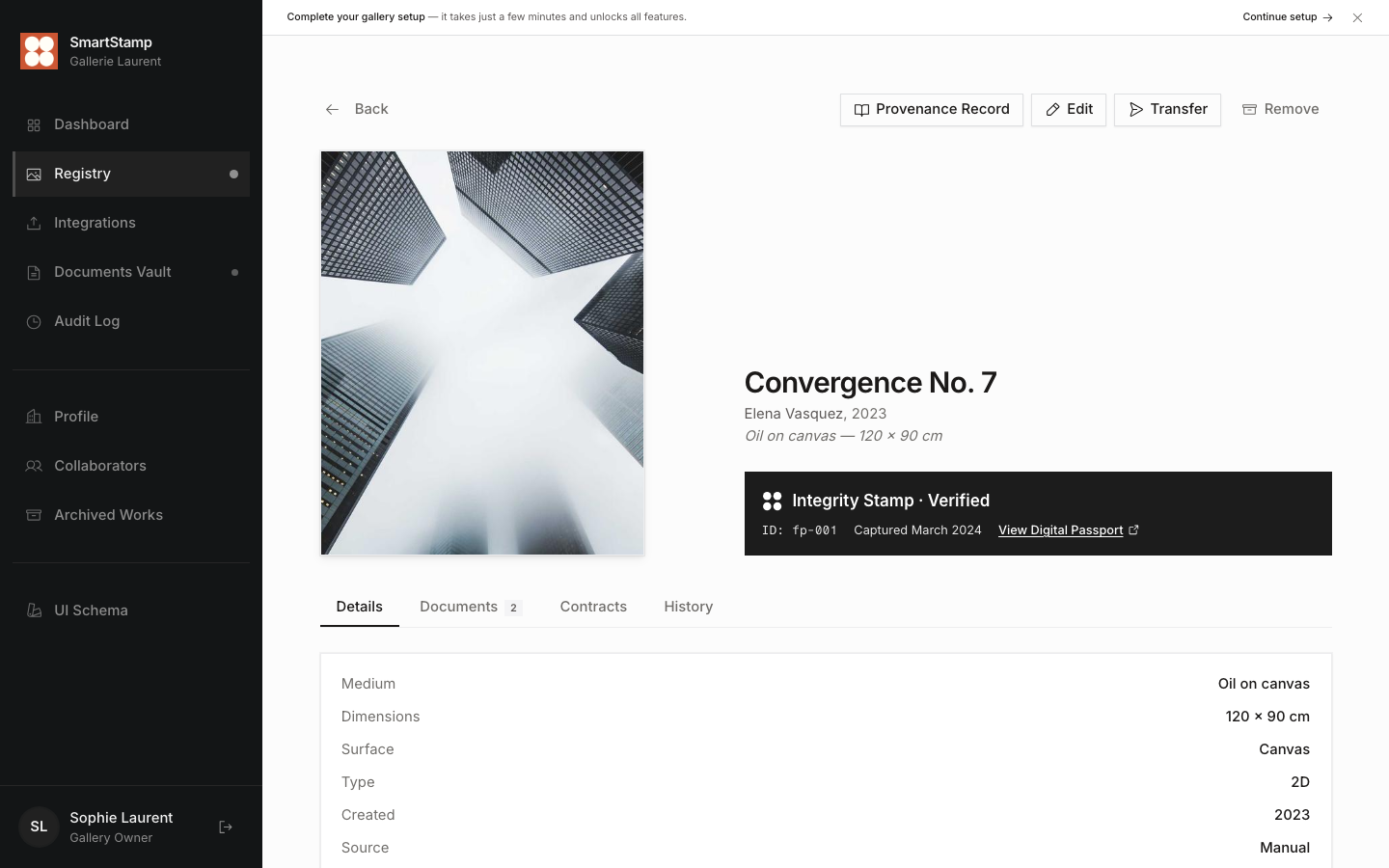
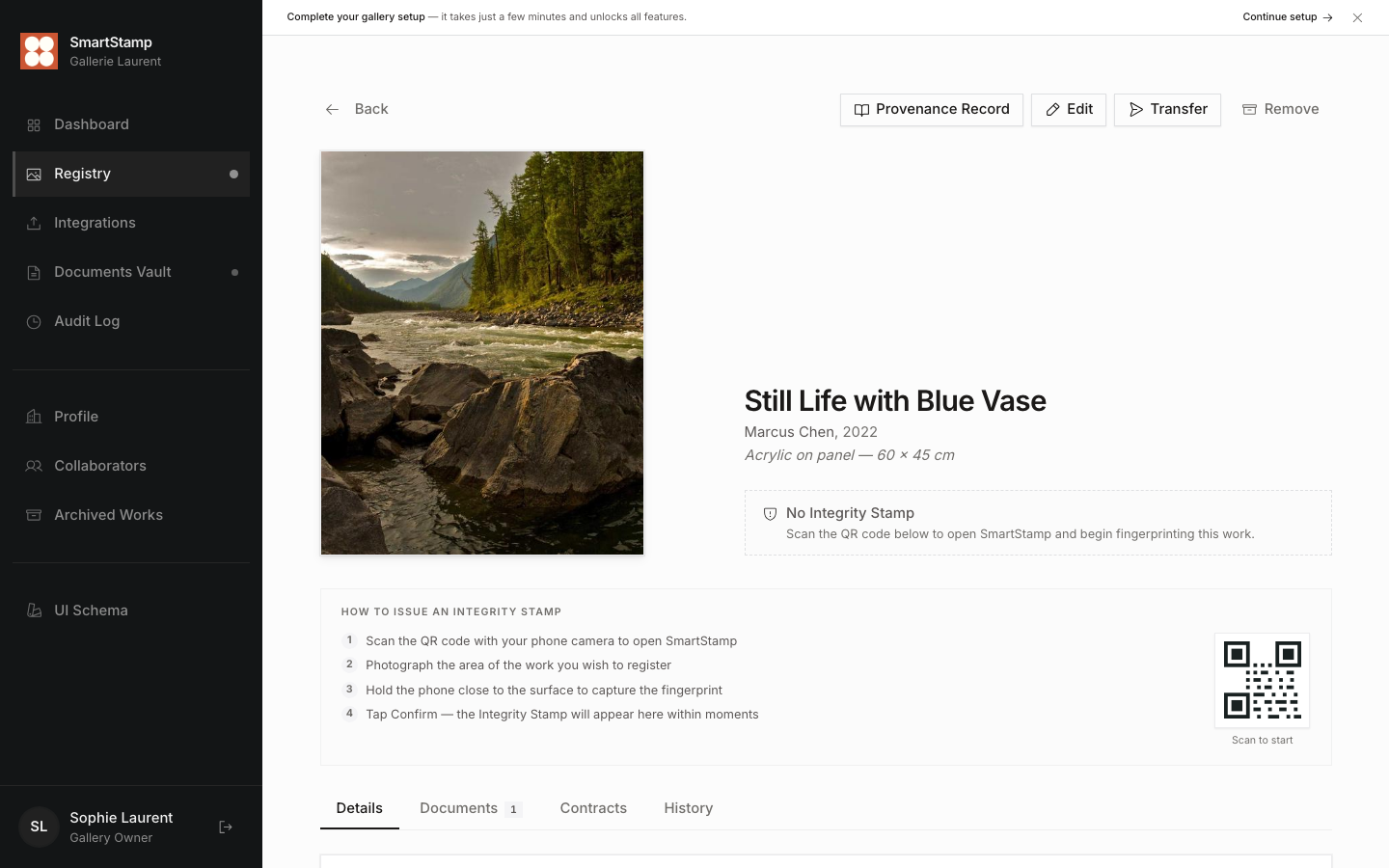
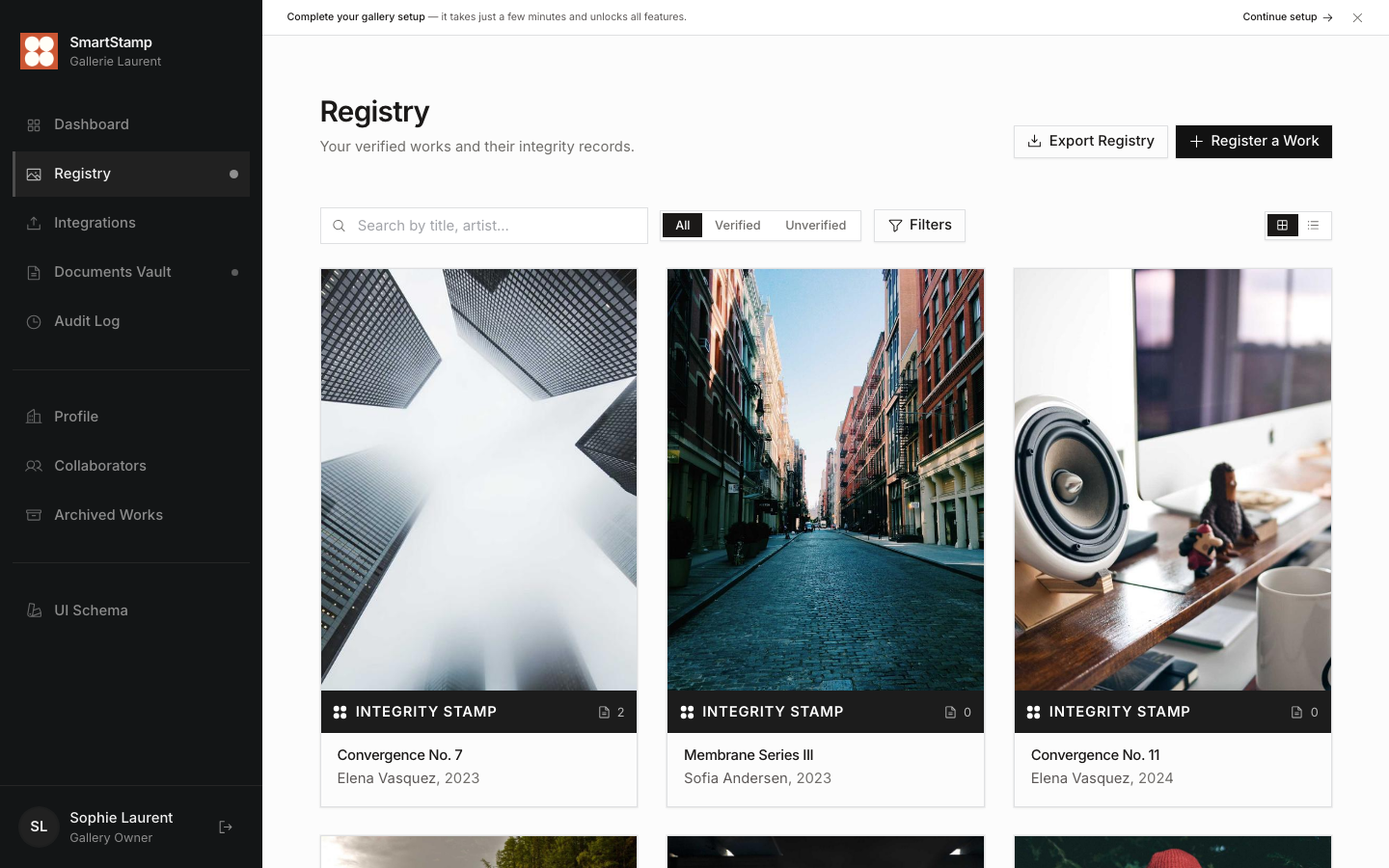
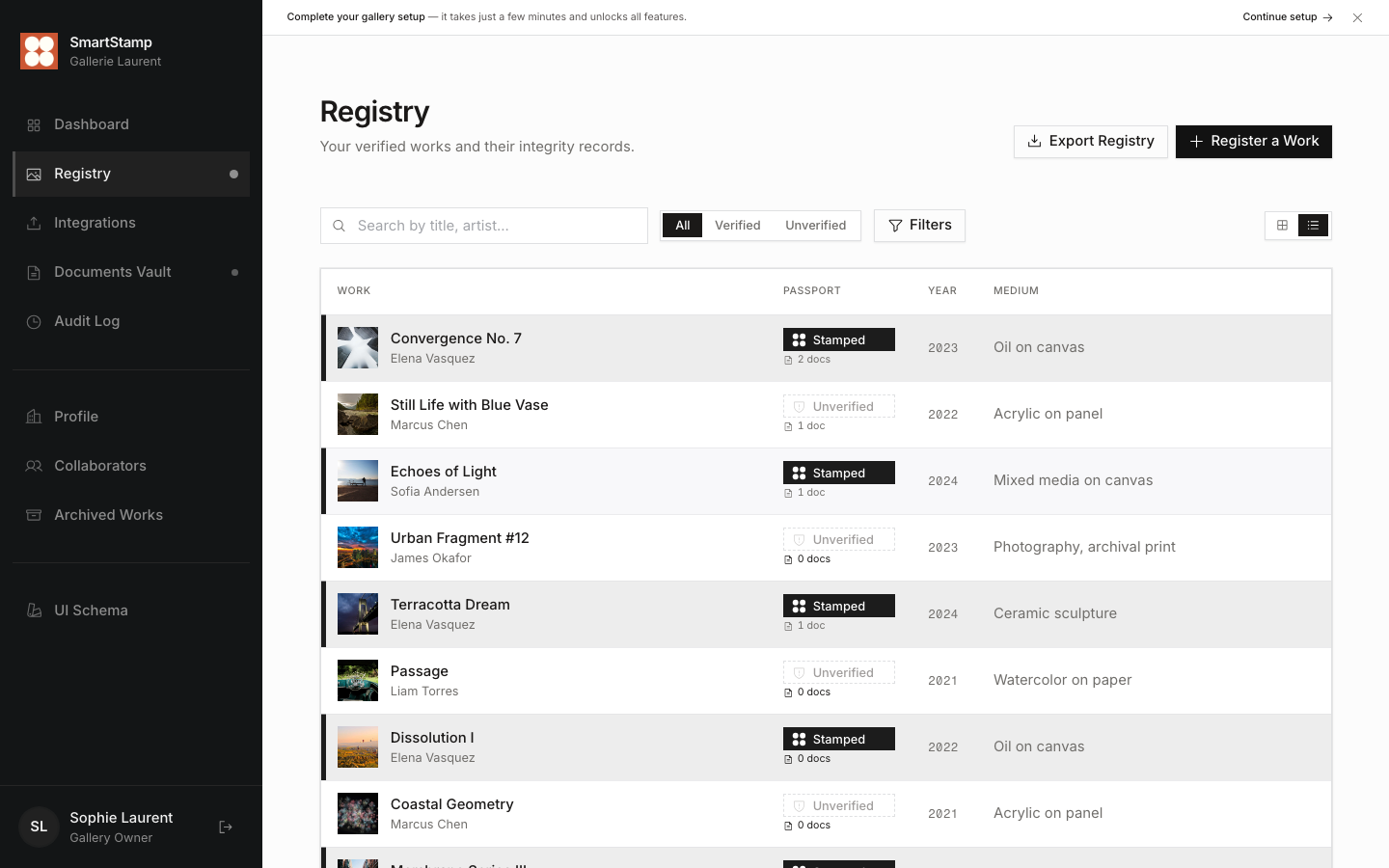
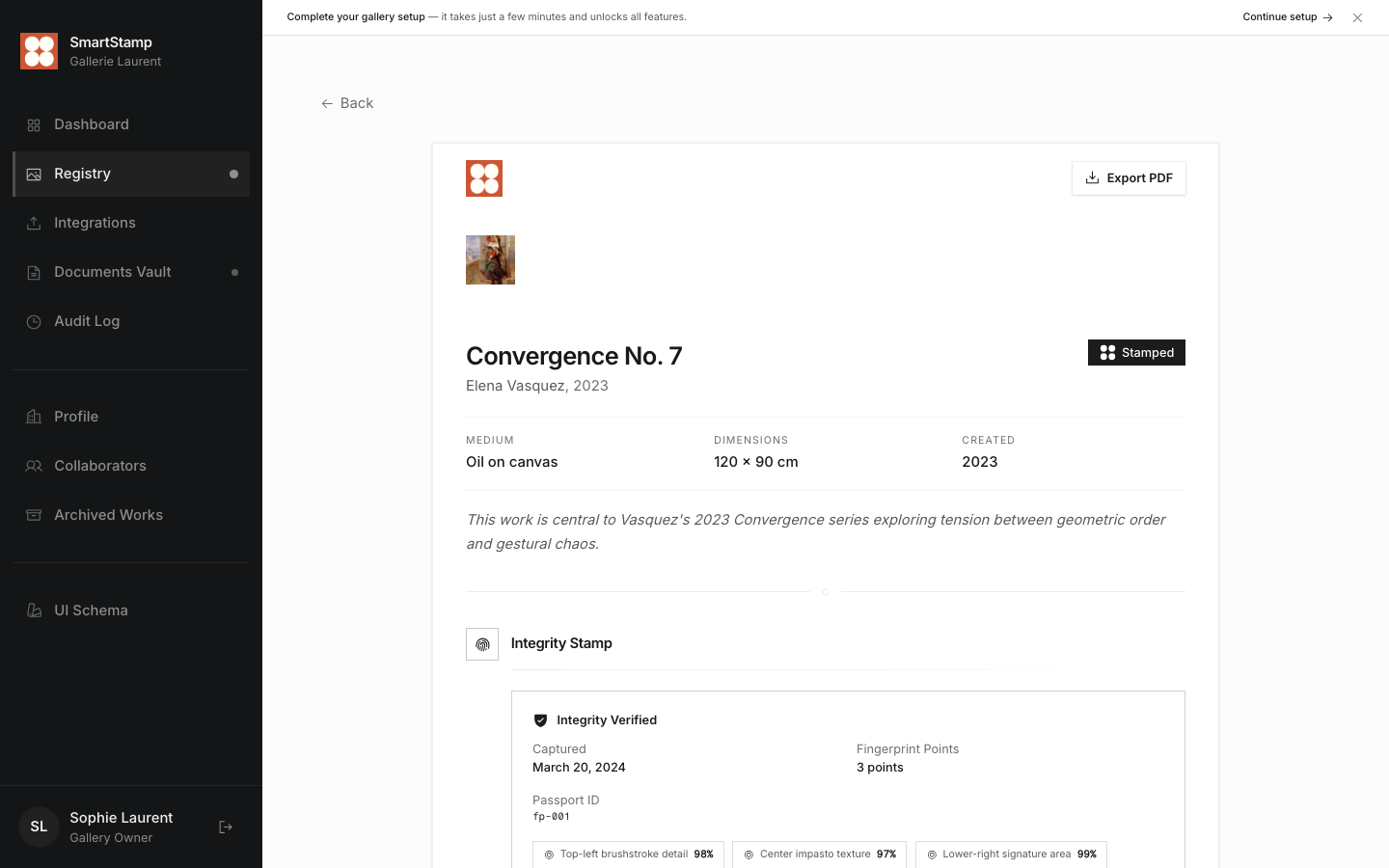
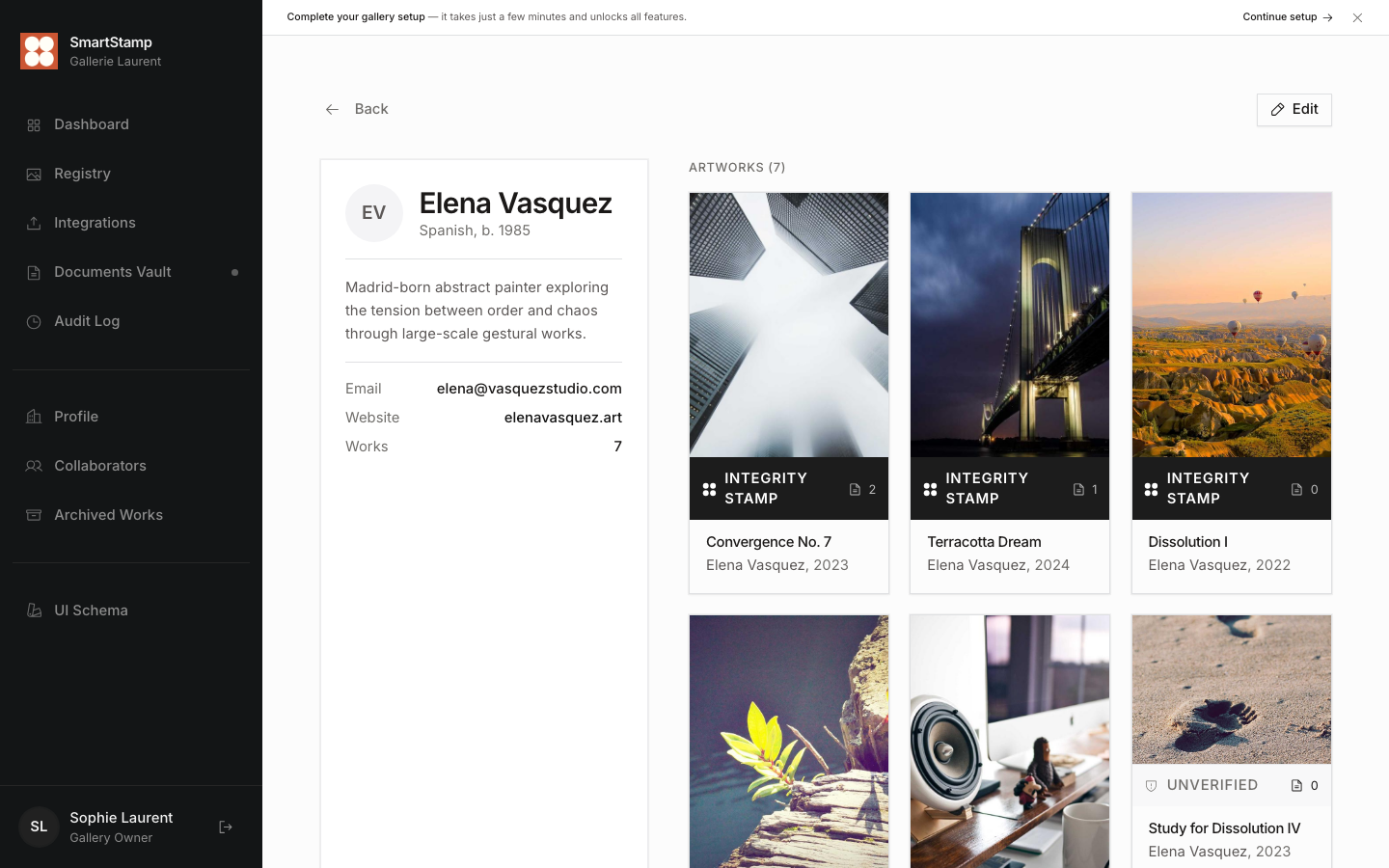
The SmartStamp mobile app captures up to 9 close-up scans of each work: brushstroke texture, impasto patterns, signature areas. Each scan produces a fingerprint with a match score, usually between 96 and 100%. Verified artworks get a teal Integrity Stamp badge. Unverified works show a muted outline badge. The difference is visible everywhere: in grids, tables, and detail views.
Collection
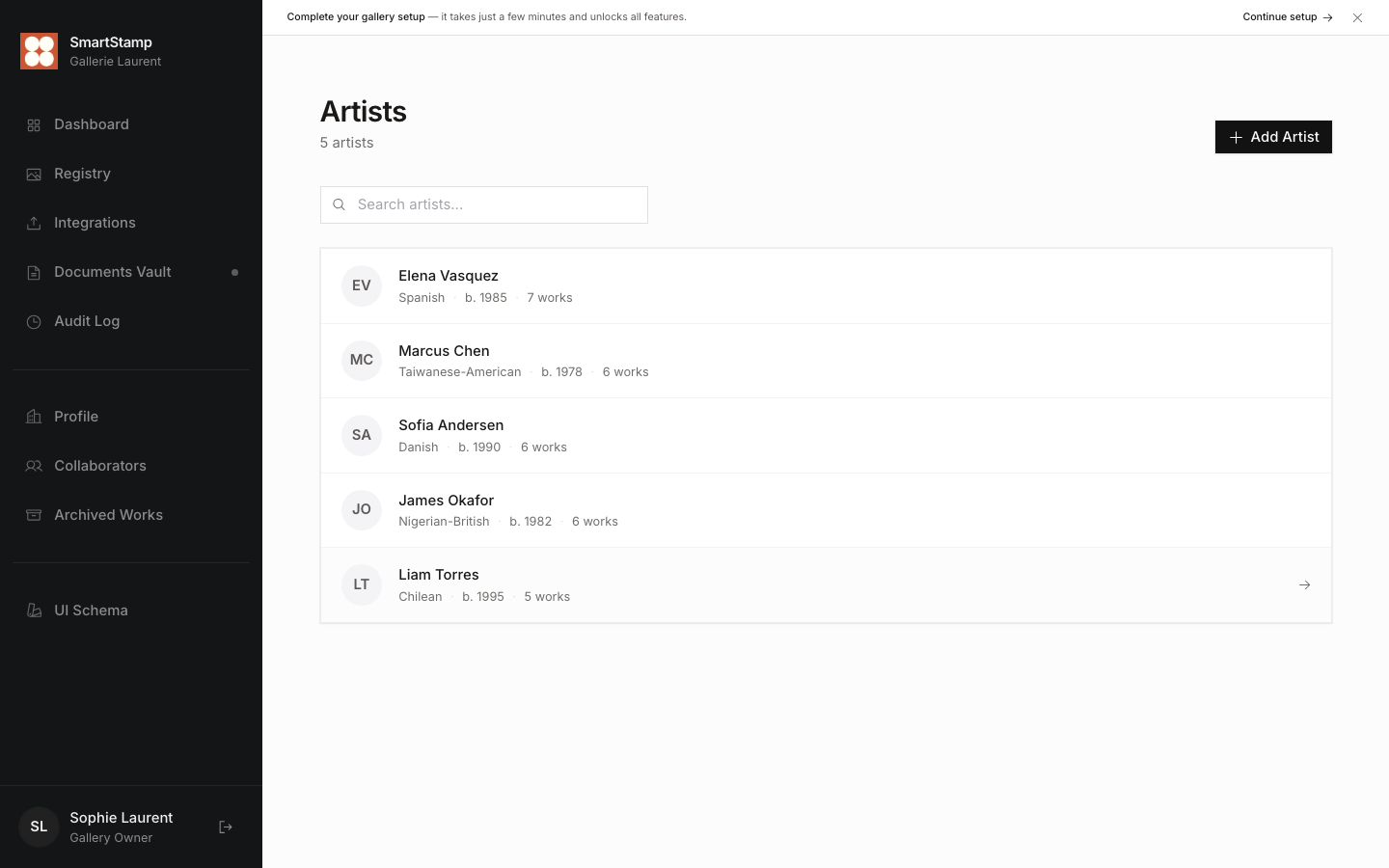
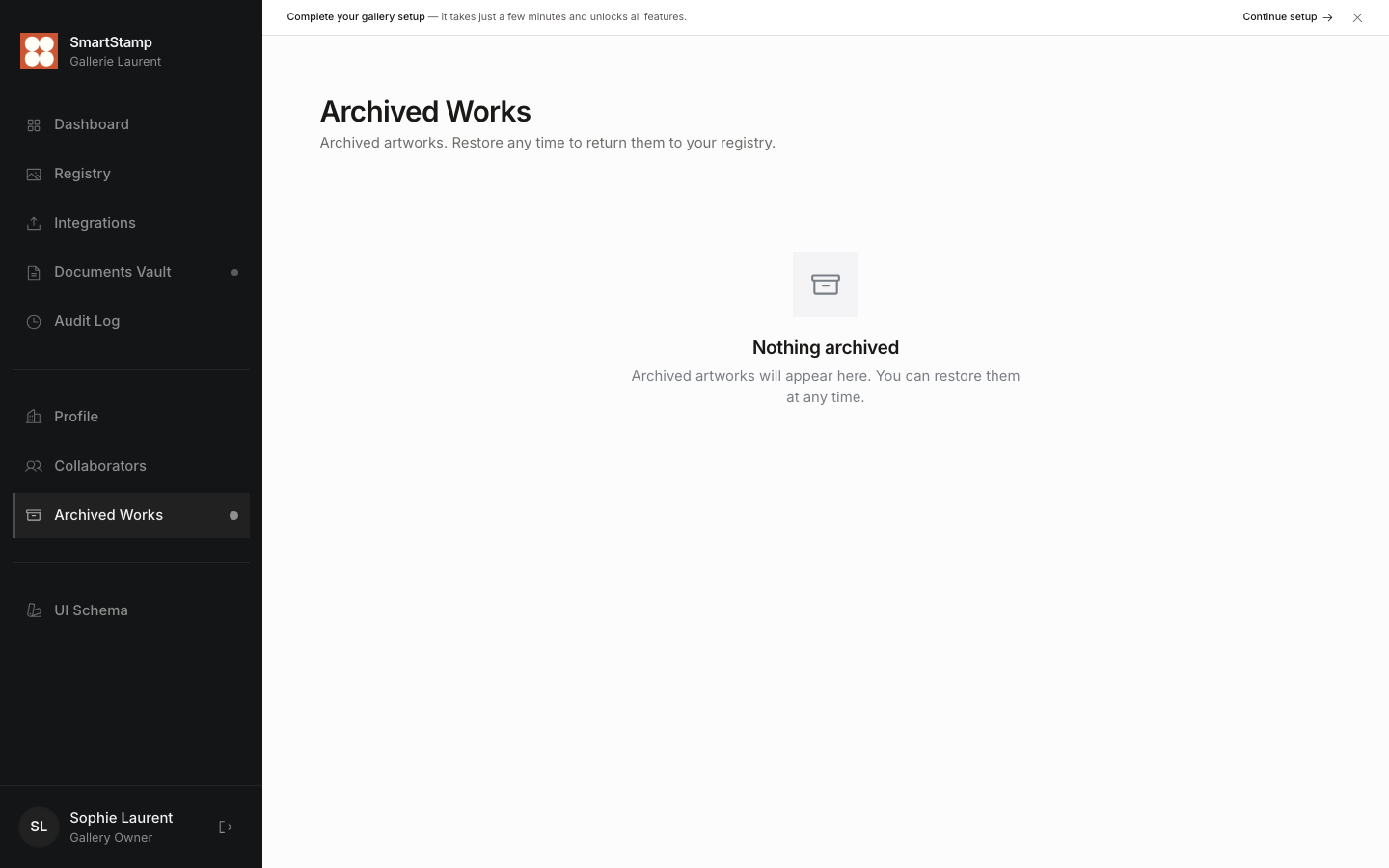
The registry has two views: a masonry grid (24 items per page) and a data table (50 items). The active view, filters, and search query all live in the URL, so browser back and forward work as expected and you can share a filtered view as a link. Search runs across title, artist, and medium as you type. One click filters down to stamped or unstamped works only.
Provenance
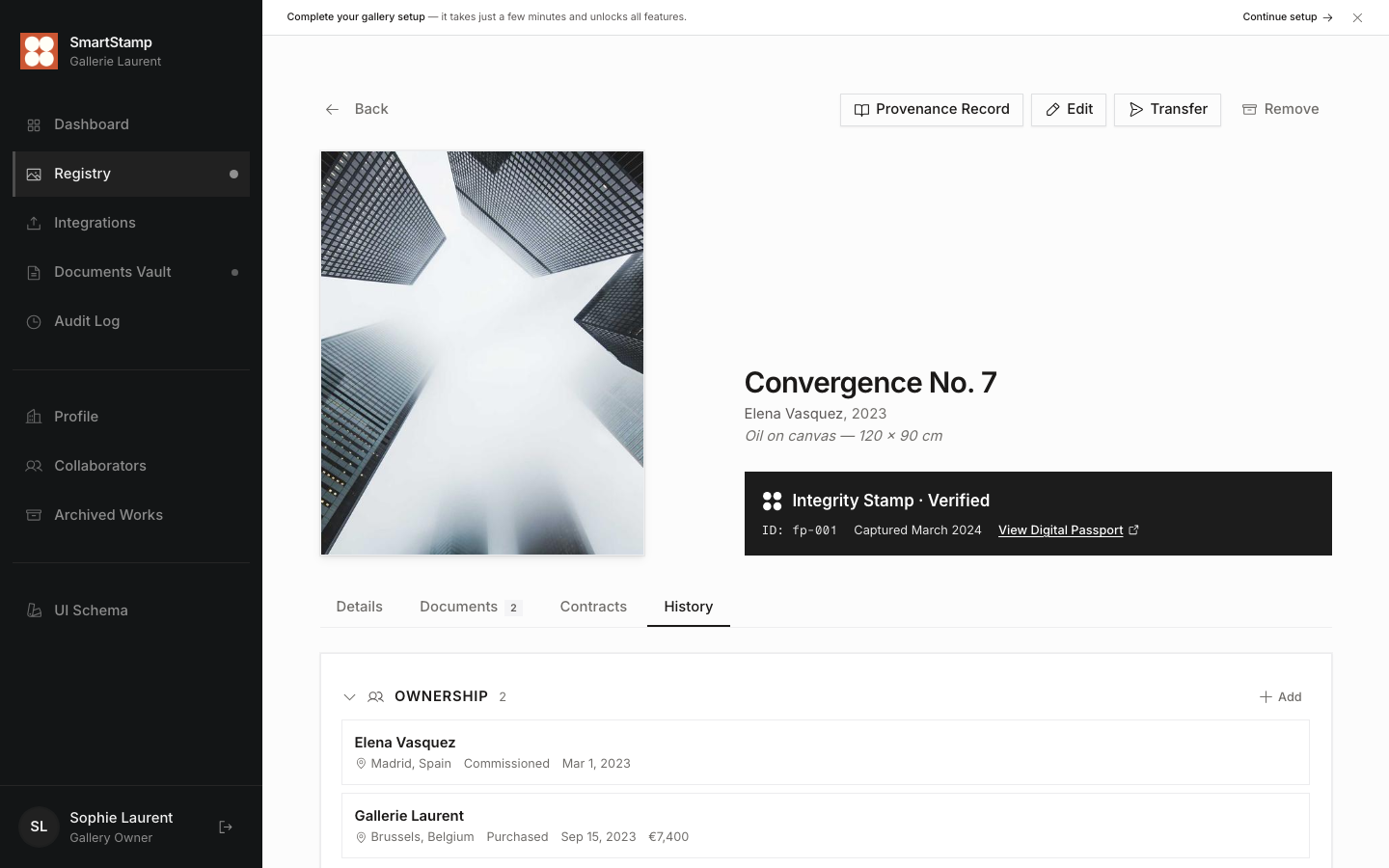
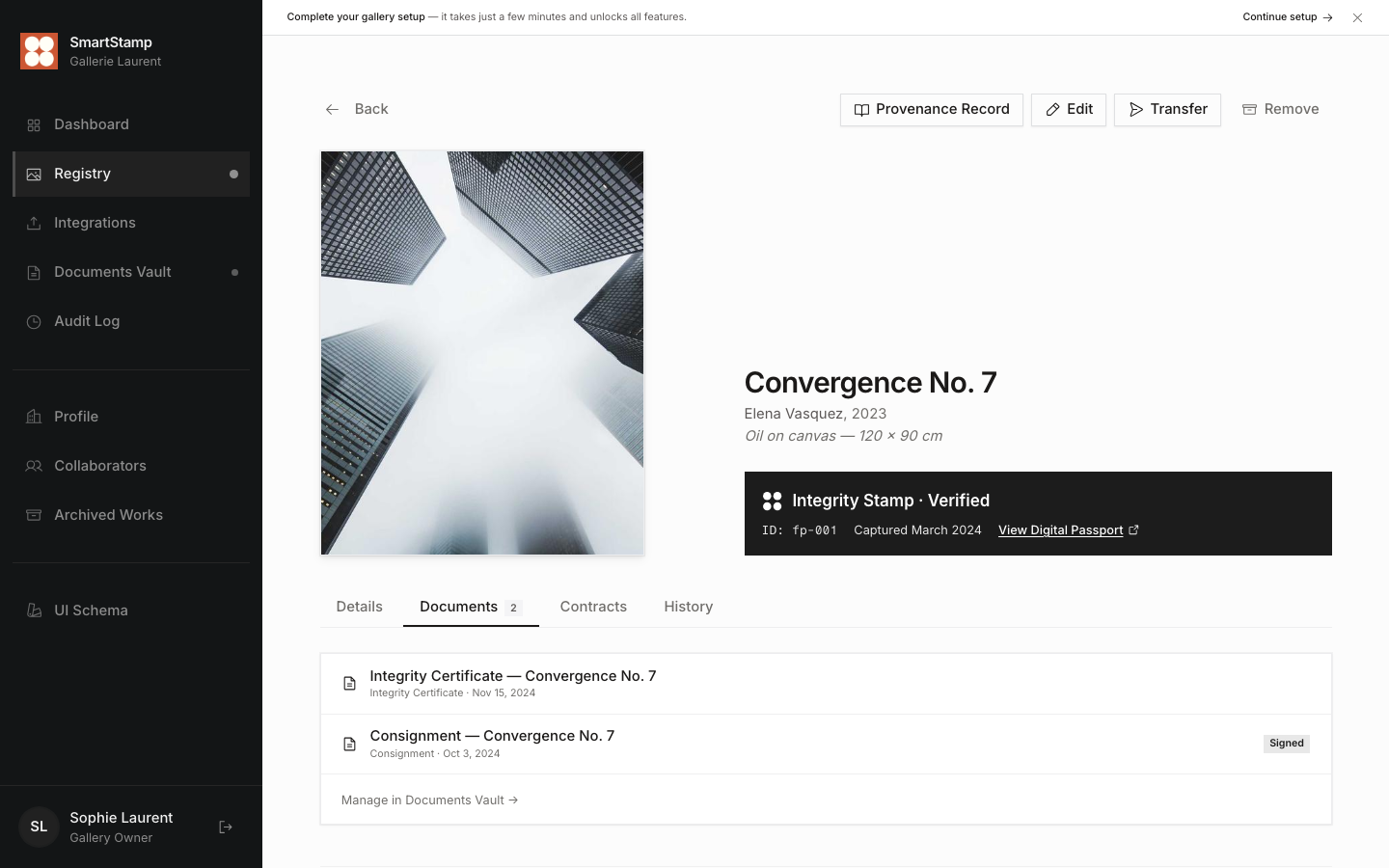
Each artwork has a provenance record built from five sections: the ownership history (acquisition method, price, verified status), exhibition appearances, publications, appraisals in any currency, and condition reports with photo attachments. Every time something is added, it gets written into the hash trail as a timestamped SHA-256 entry.
Documents and signatures
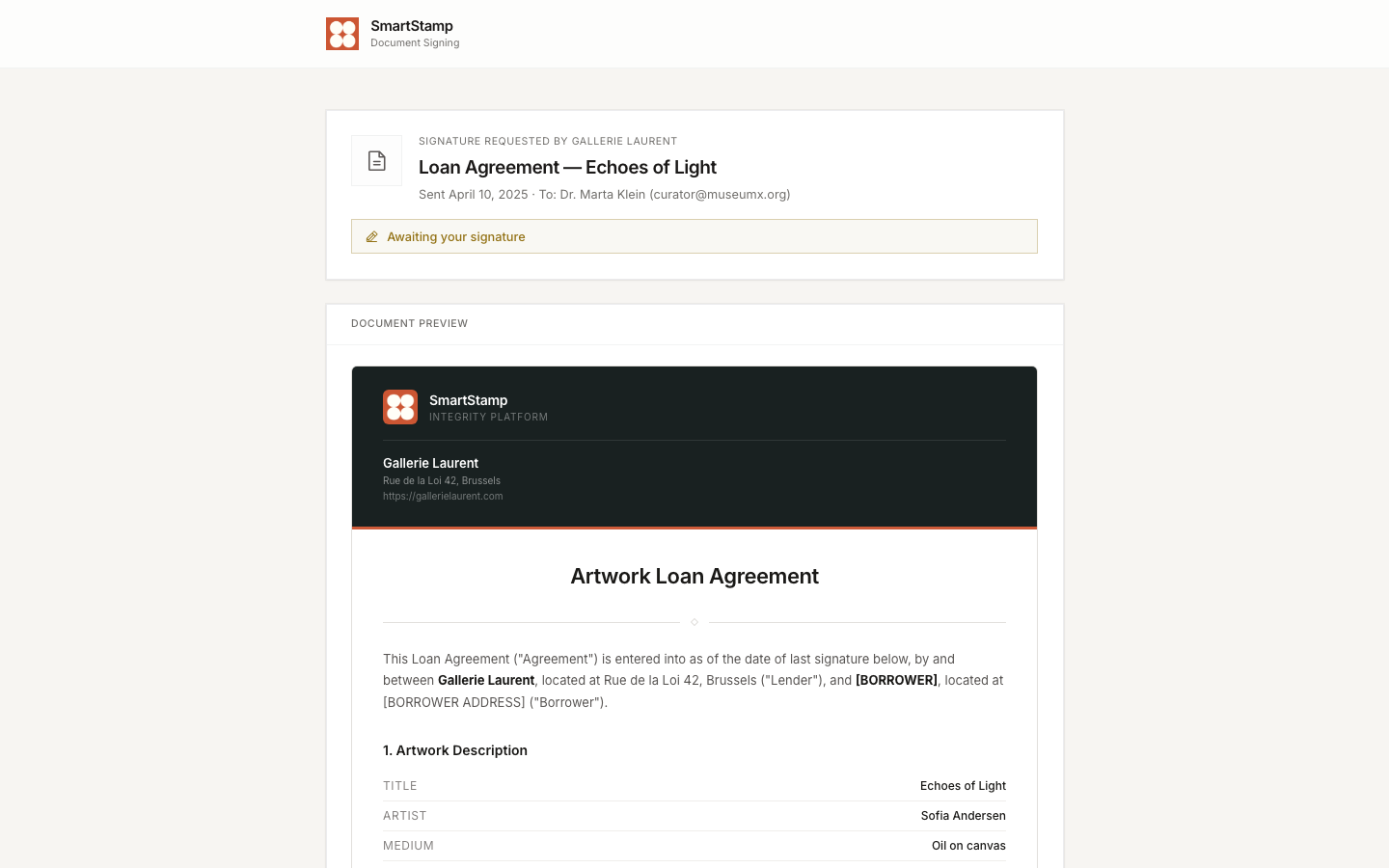
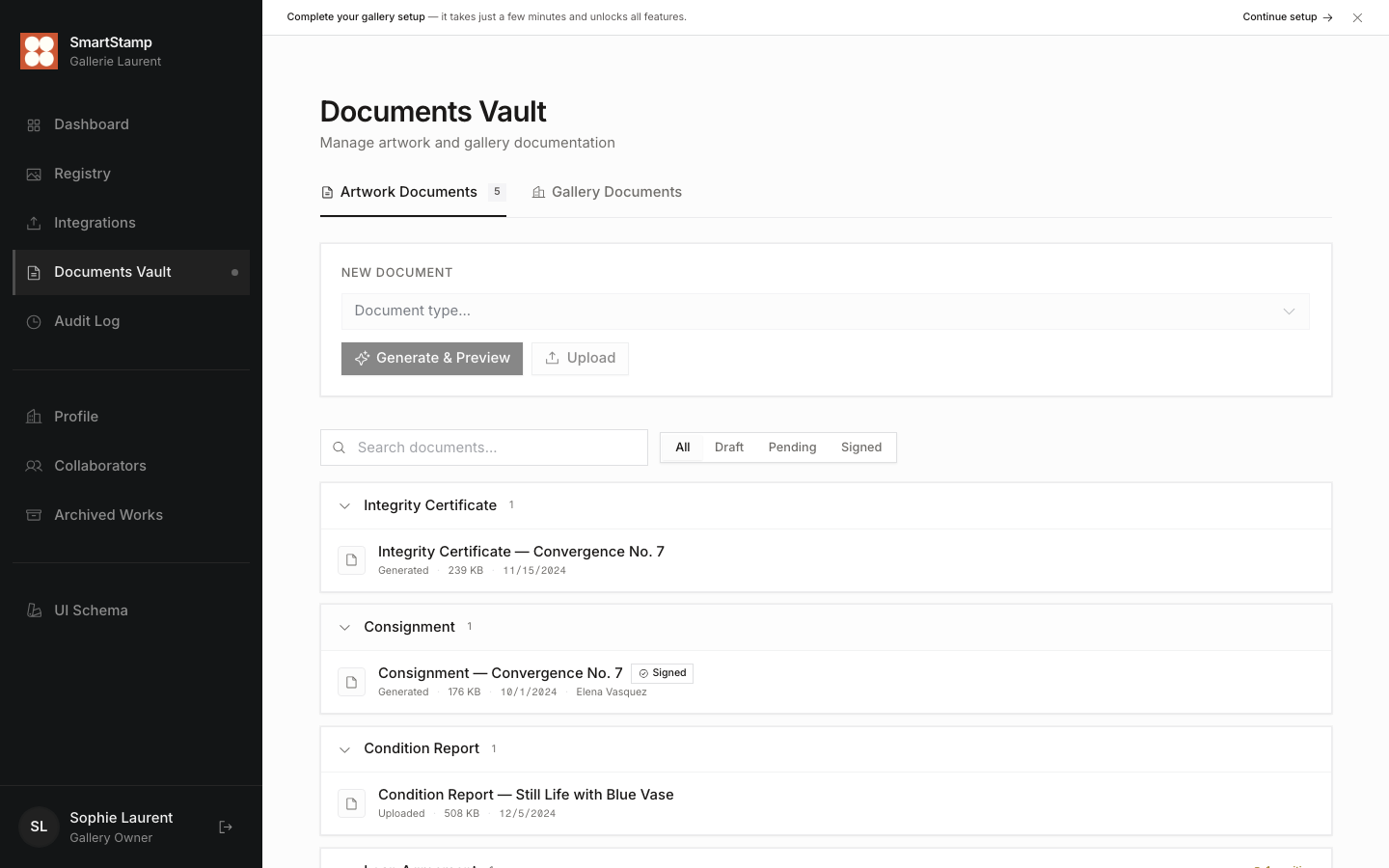
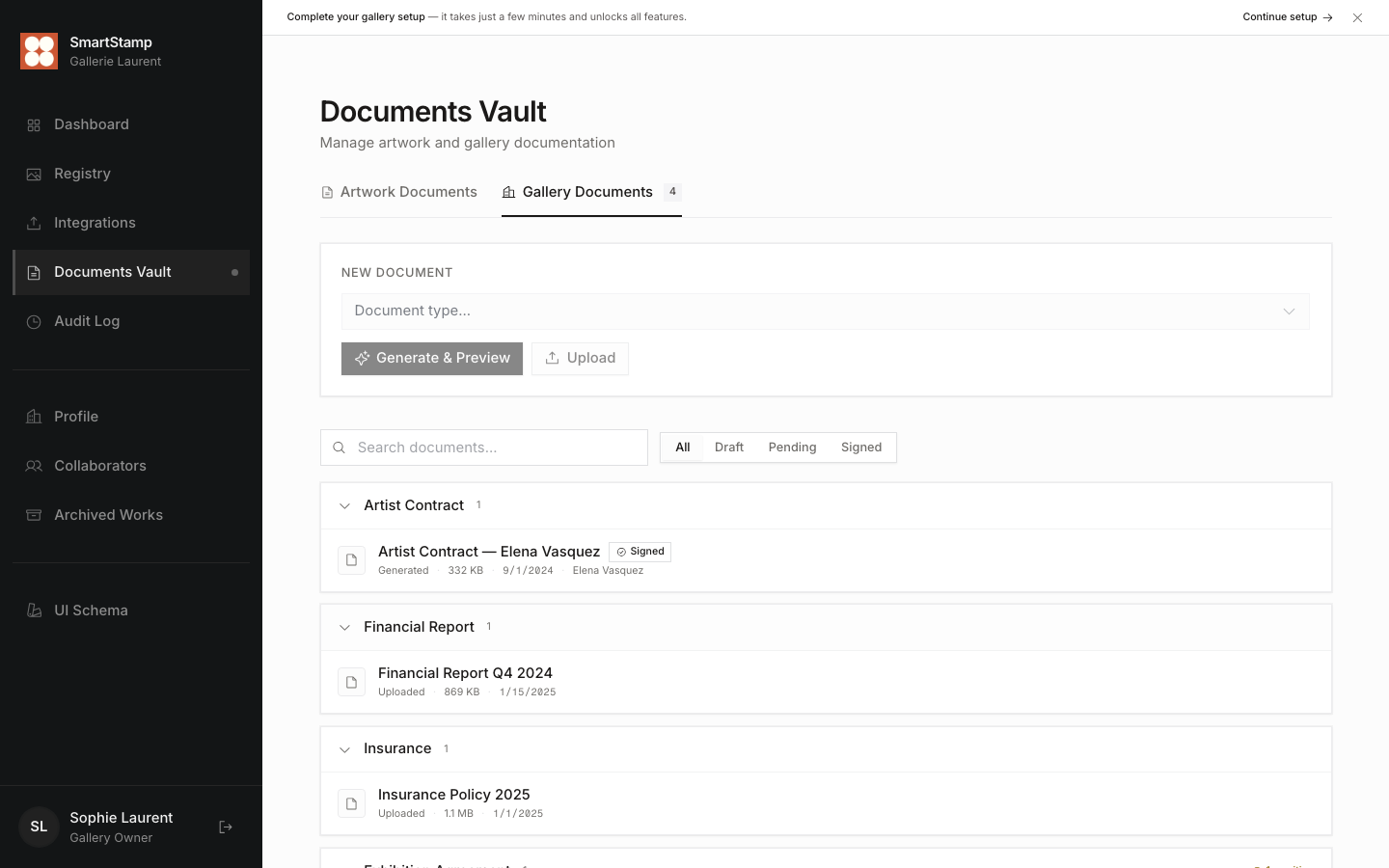
SmartStamp generates 13 artwork document types and 6 gallery-level ones from branded HTML templates. You can edit the content before locking it, then send it for signing via a link. The person signing doesn't need an account. Status goes from draft to pending to signed, and every signing event gets recorded in the hash trail.
Integrations
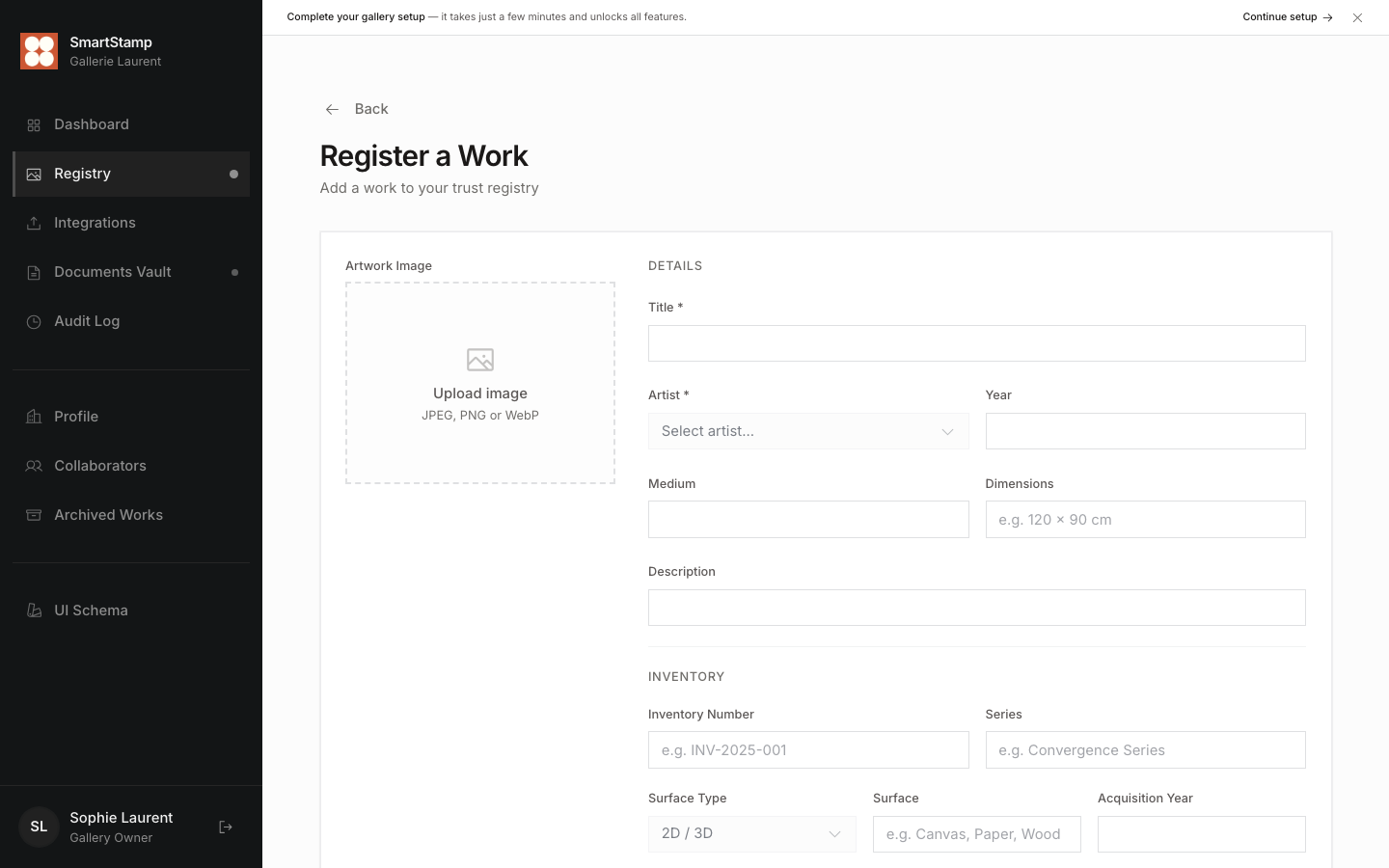
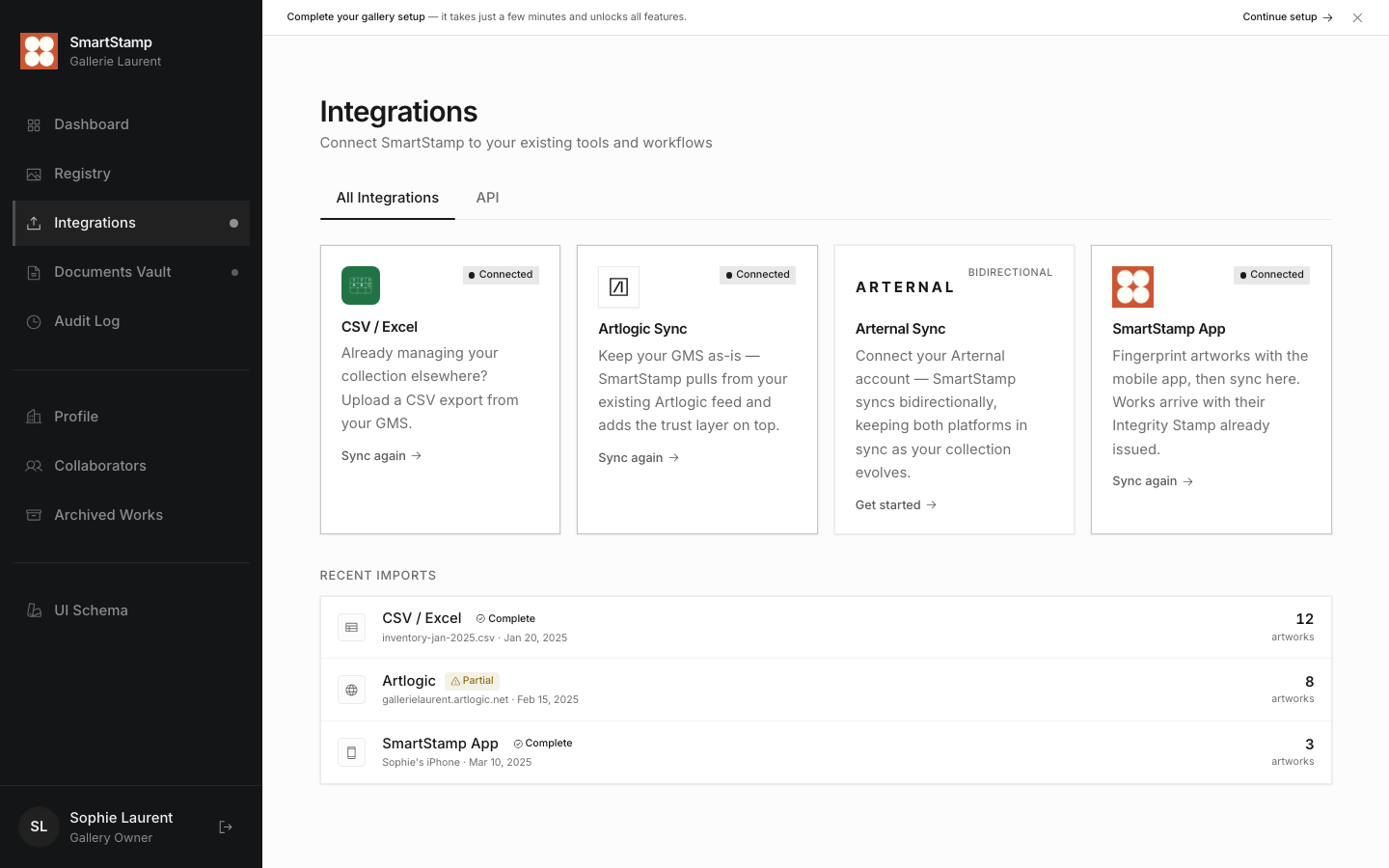
There are four ways to get artworks into the system: a live Artlogic feed sync, a CSV/Excel upload with column mapping, a sync from the SmartStamp mobile app (artworks come in already fingerprinted), and manual entry. Each path fires progress events as it runs so the UI shows what's happening step by step. Past imports are logged with source, count, errors, and timestamp.
Dashboard
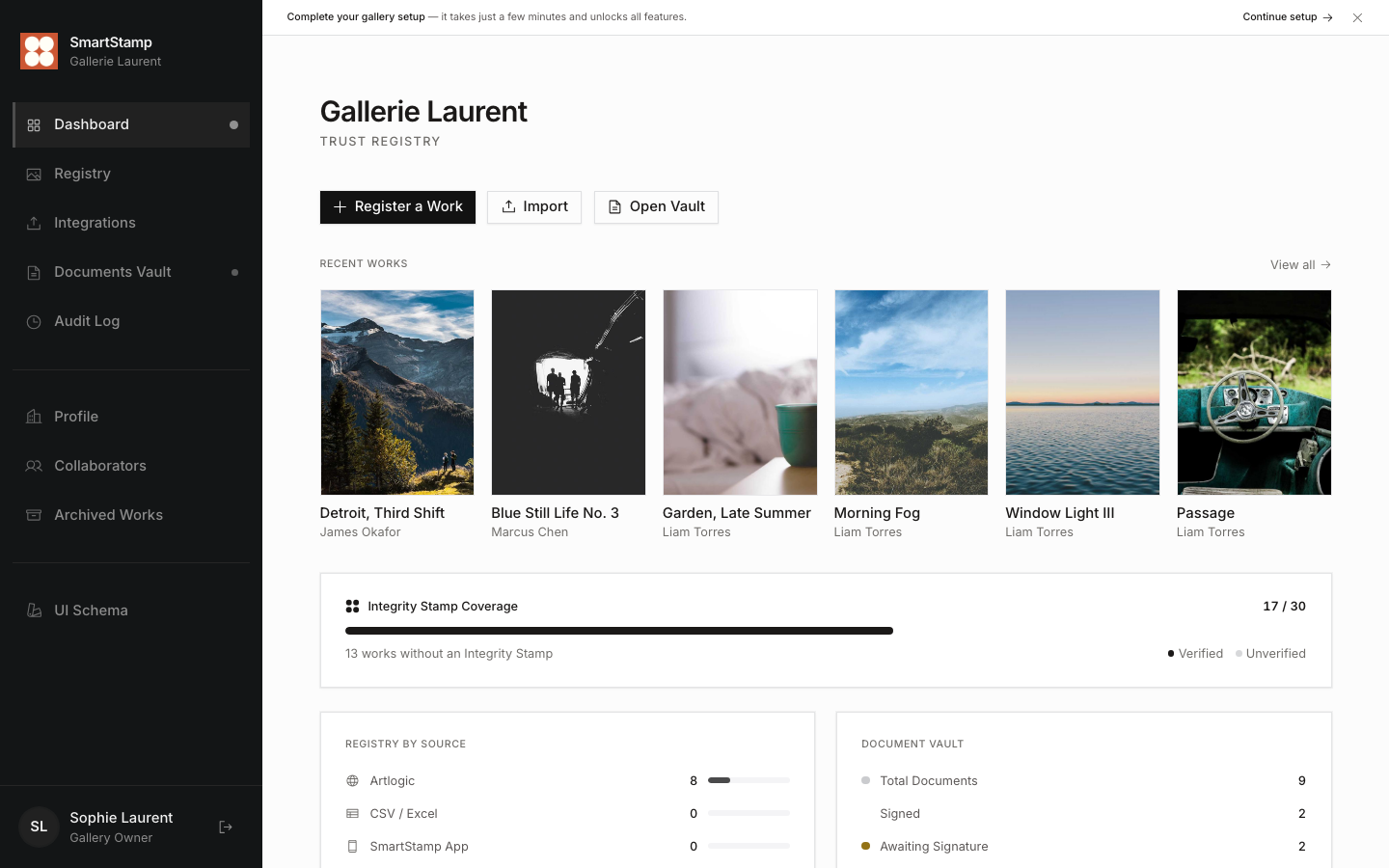
The dashboard shows fingerprint coverage as an animated progress bar, a breakdown of where artworks came from (Artlogic, CSV, mobile app, or manual entry), a summary of the documents vault, and a recent activity feed. The stat numbers count up on load using a custom easing curve.
Screen reference
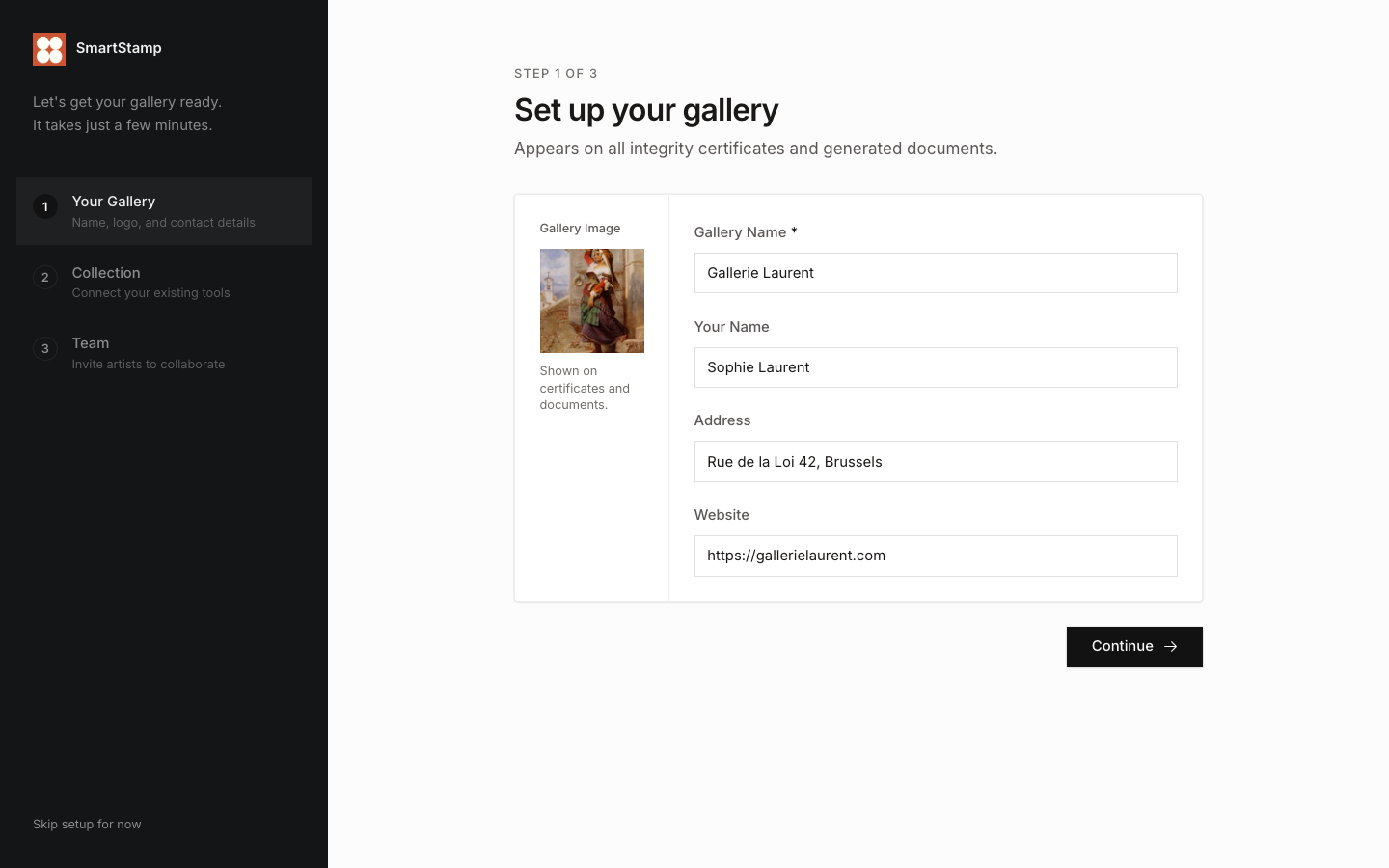
Design system
The UI is built around a gallery viewing room aesthetic: warm whites, near-black text, sharp edges throughout (no border radius except for pills), and a restrained use of colour. Orange is reserved for the brand. Teal signals the fingerprint verification state. Every colour, shadow, and spacing value is defined as a CSS custom property and consumed through Tailwind utility classes.
Colour tokens
Heading typeface
Body text runs in Inter or the system sans-serif stack, sized from 13px to 20px depending on context. Line height sits at 1.75 for comfortable reading.
mono / Fragment Mono
Typography
Border radius
Technical architecture
providers.ts.
useSearchParams() directly.
| Layer | Technology |
|---|---|
| Framework | React 19 + TypeScript 6 |
| Build | Vite 8 + SWC |
| Routing | React Router DOM 7 |
| Data Fetching | TanStack React Query 5 |
| Forms | React Hook Form 7 + Zod 4 |
| UI Primitives | Radix UI + shadcn/ui |
| Styling | Tailwind CSS 3 |
| Animation | Framer Motion 12 |
| Icons | Lucide React + custom SVG |
| Backend | Firebase Auth + Firestore + Storage + Functions |